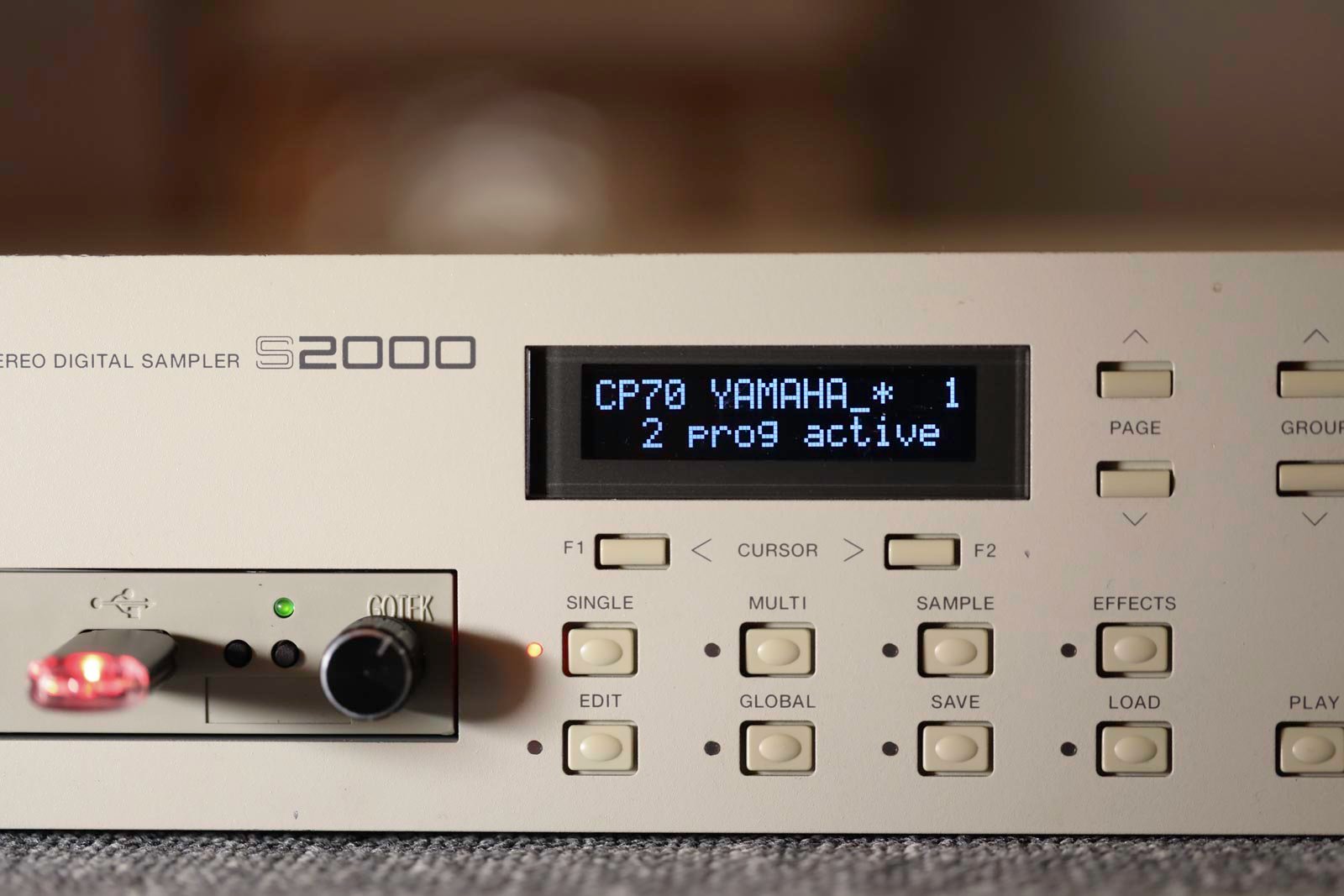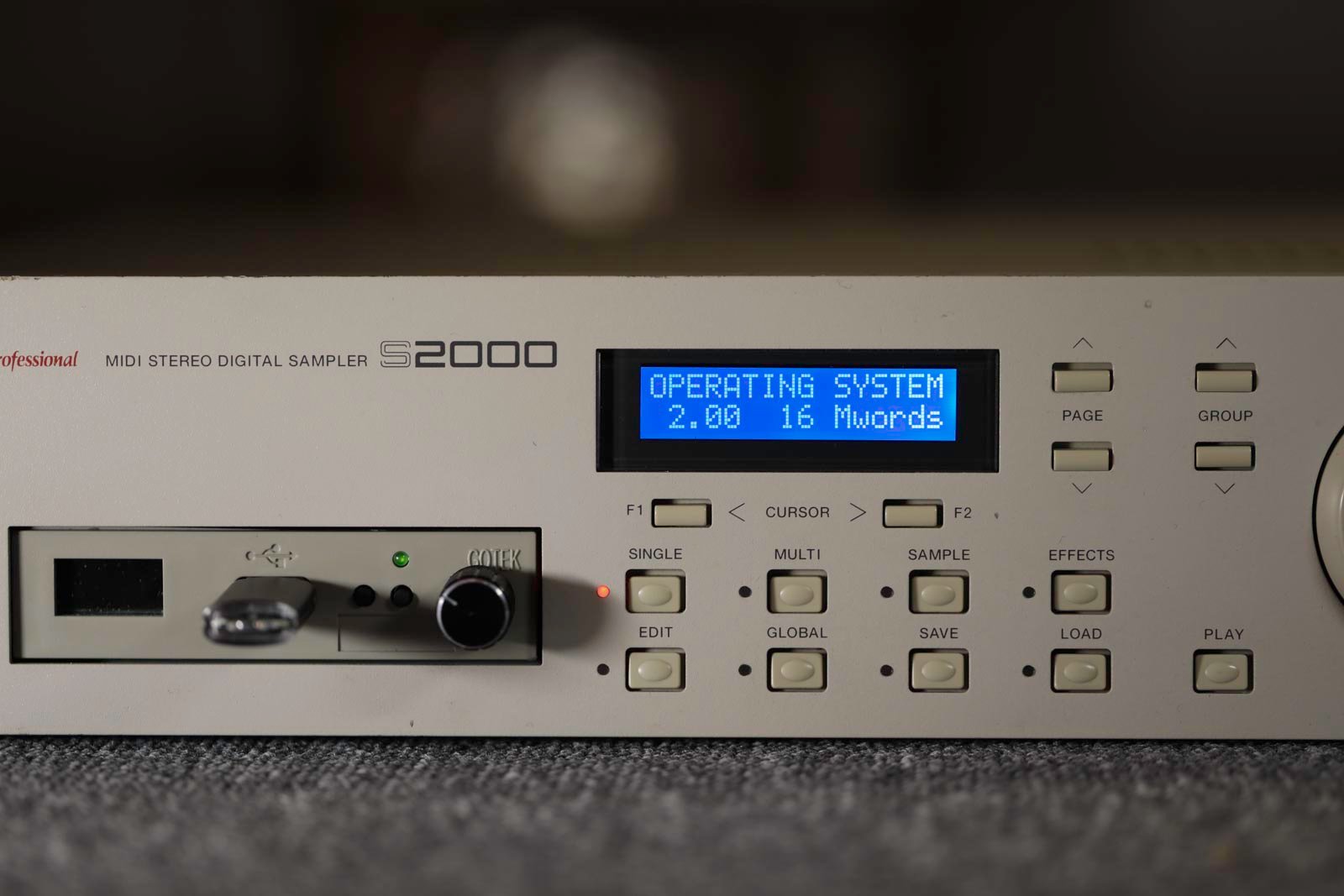





Akai S2000 display kit installation
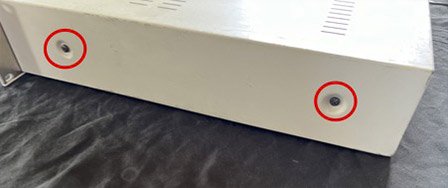
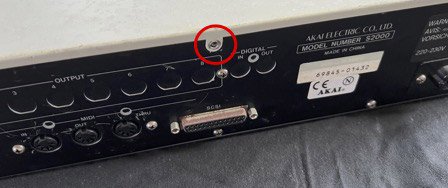
1) Unplug the S2000. Remove the 4 screws on the side and the rear screw to remove the cover.
2) Remove the front panel (3 screws on top and 3 screws underneath)
3) Remove the original screen. The new screens are not quite the same size and are thicker. Bend the 3 aluminum brackets as shown using pliers to create the necessary space.
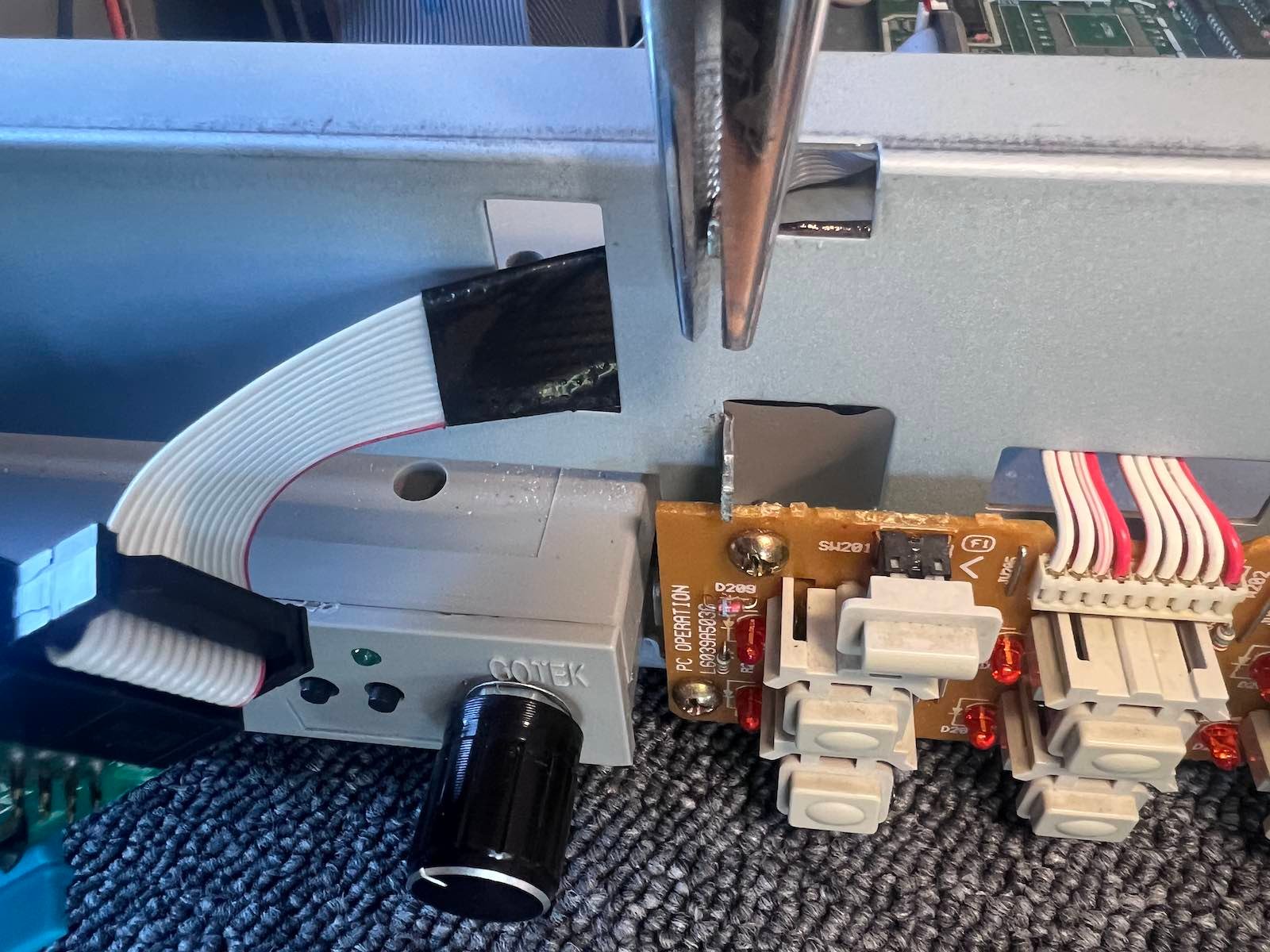
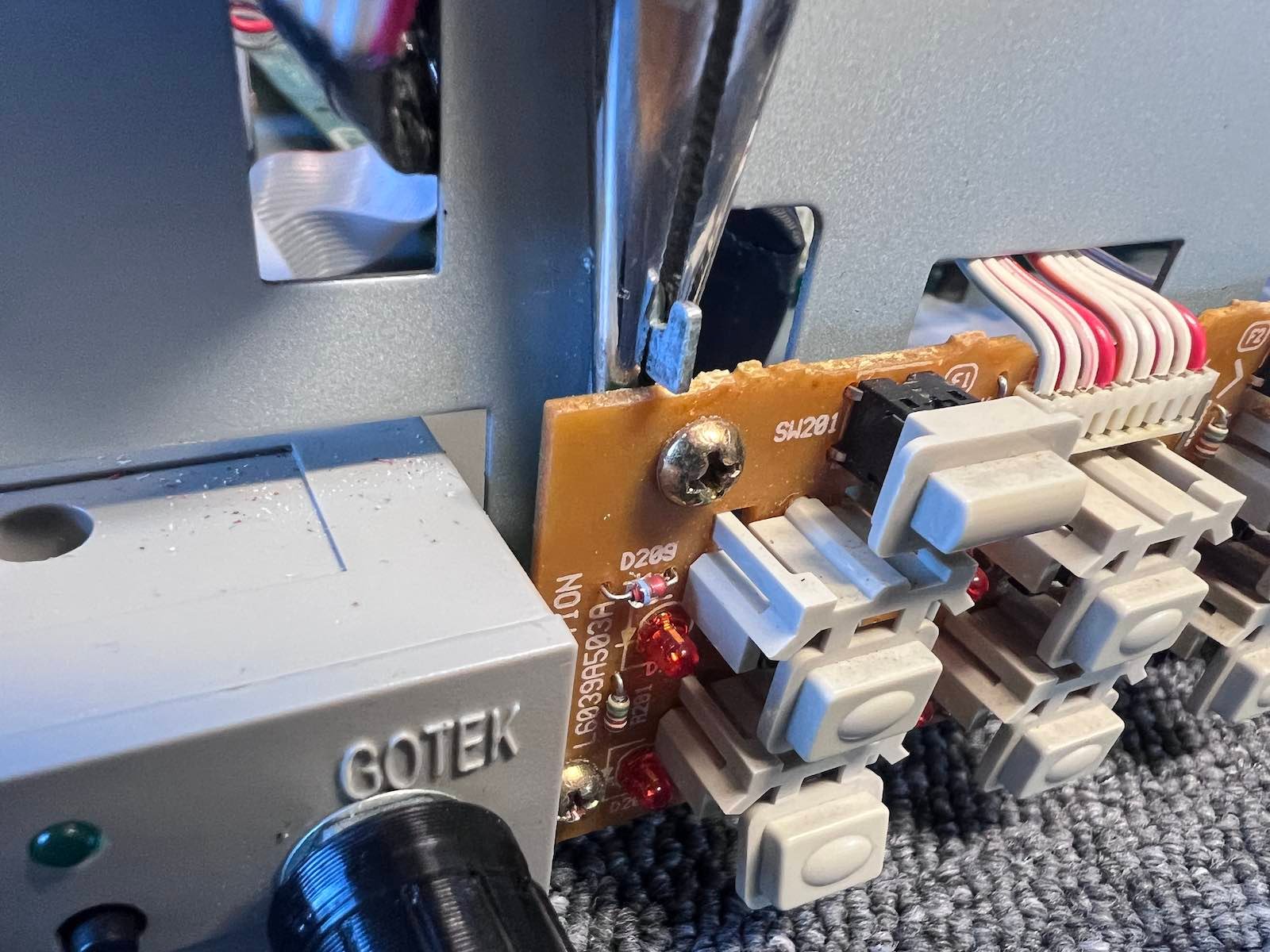
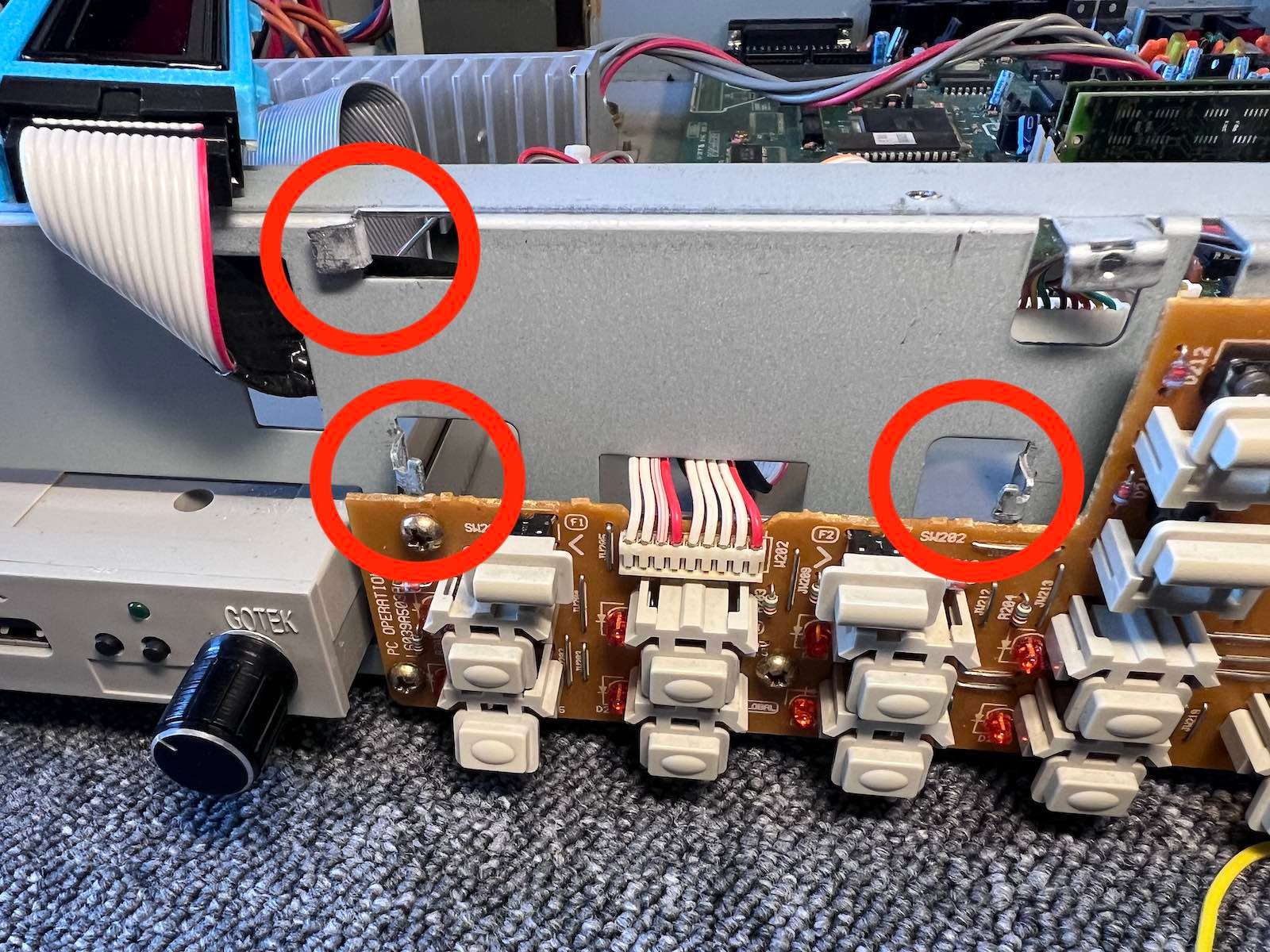
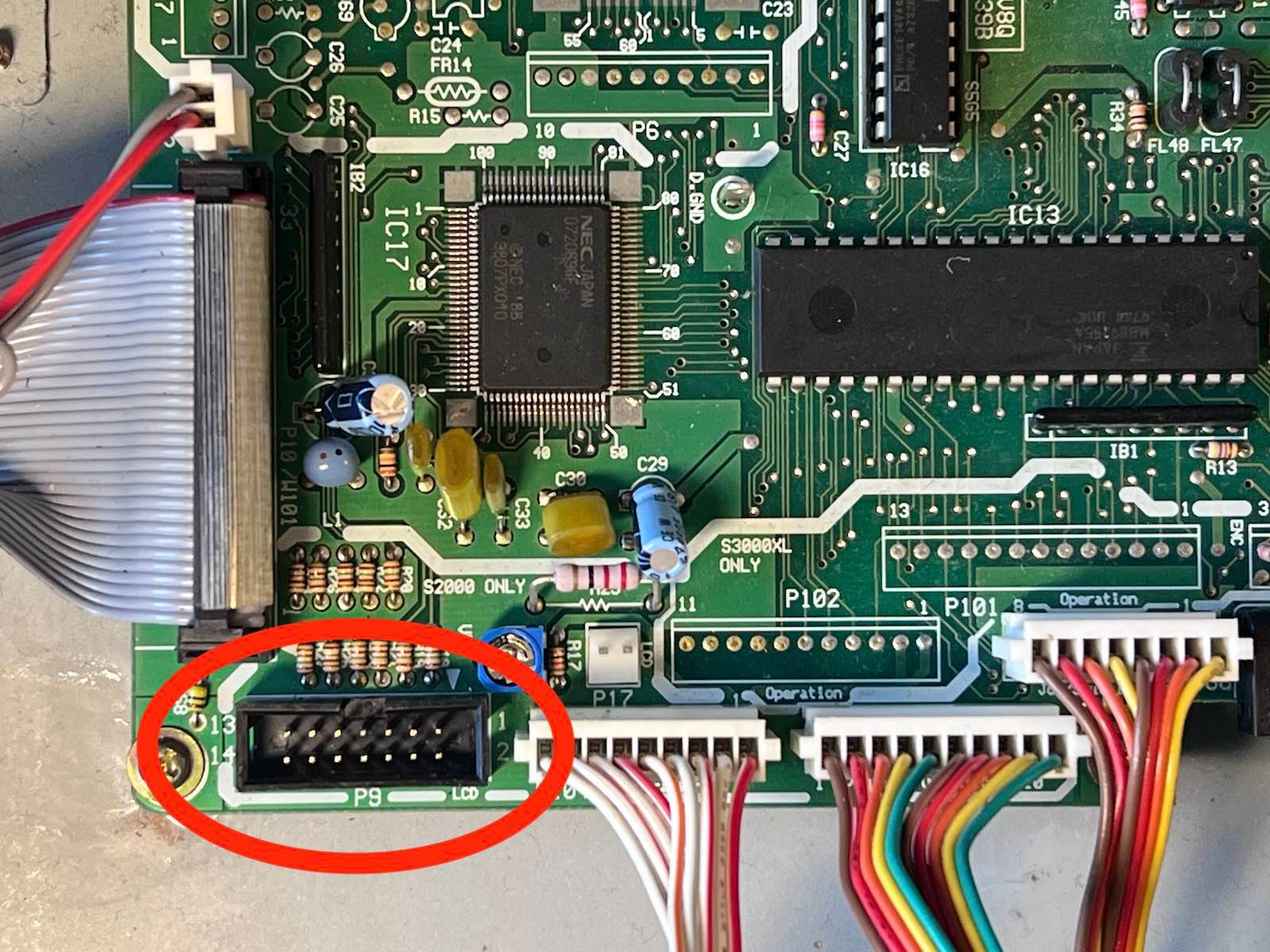
4) Pass the flat cable through and connect it to the motherboard in place of the original cable. (The two-wire connector on the right is no longer used).
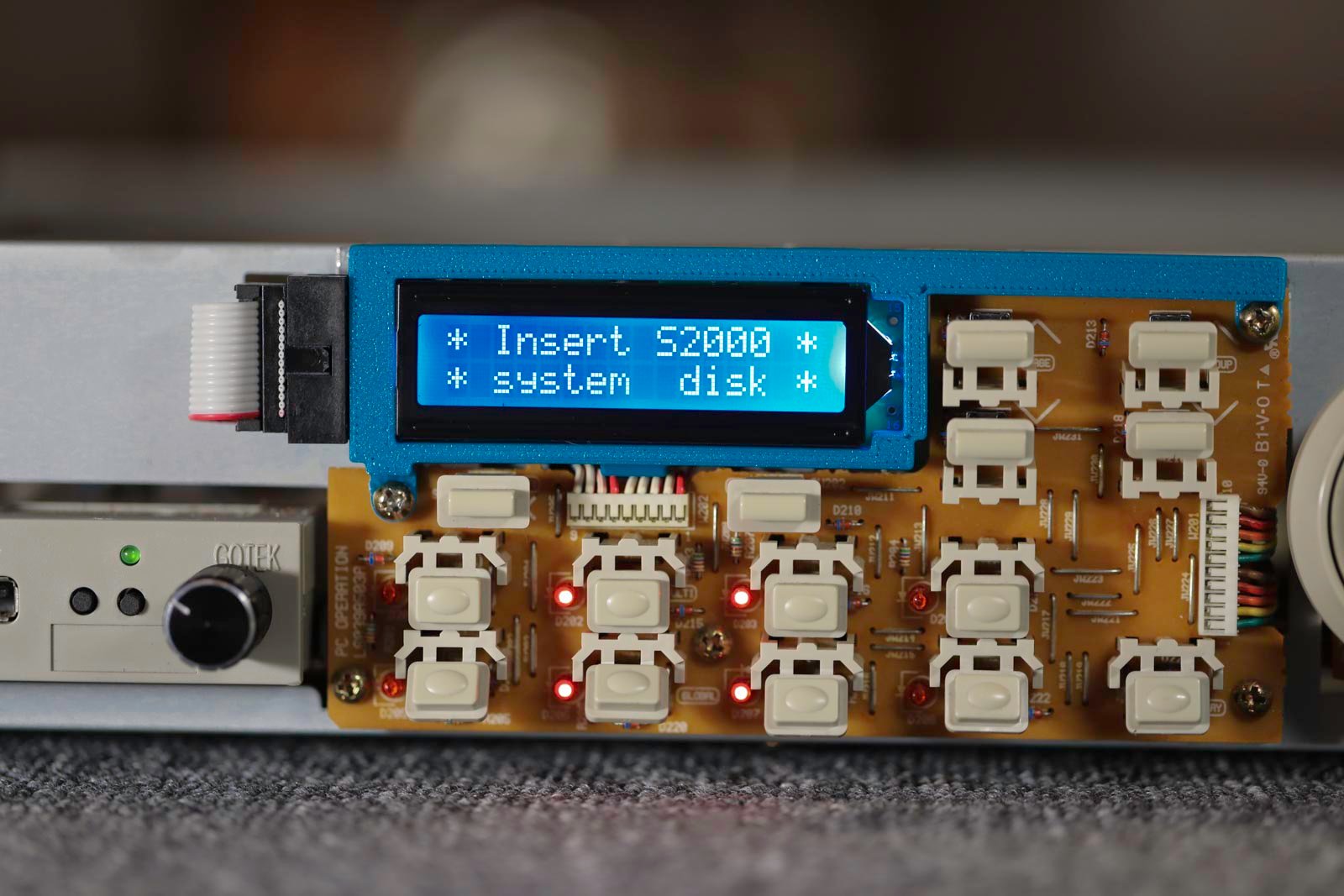
5) Position the new screen in its bracket. Reuse 2 screws to fix it to the front panel PCB.
6) Go back up