




Akai S2000 USB Floppy installation
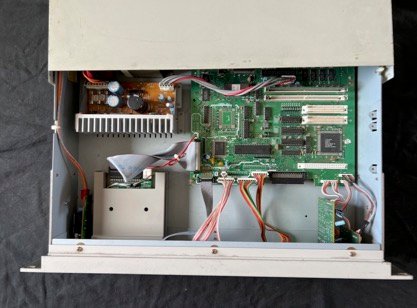
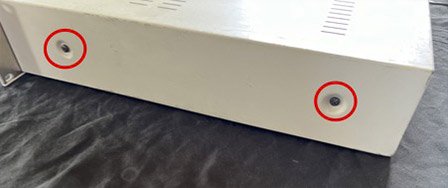
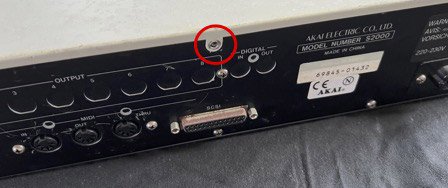
1) Unplug the S2000. Remove the 4 screws on the side, and the rear screw.
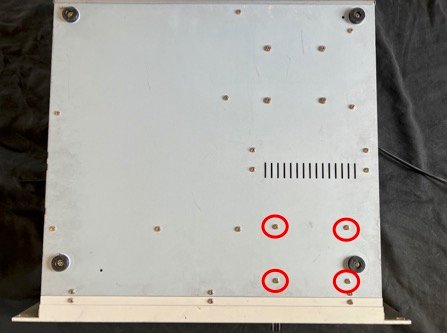
2) Turn the S2000 over. Remove the 4 screws that hold the floppy disk drive in place.
3) Turn the S2000 over. Disconnect the two floppy disk drive cables.
Remove the four screws securing the floppy disk drive to its bracket. Replace the USB drive, replace the four screws, and reconnect the cables.
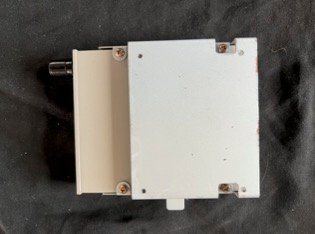
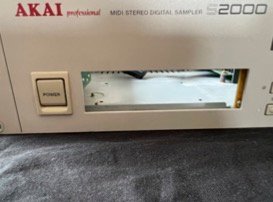
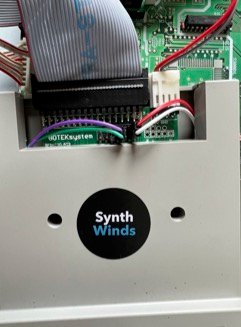
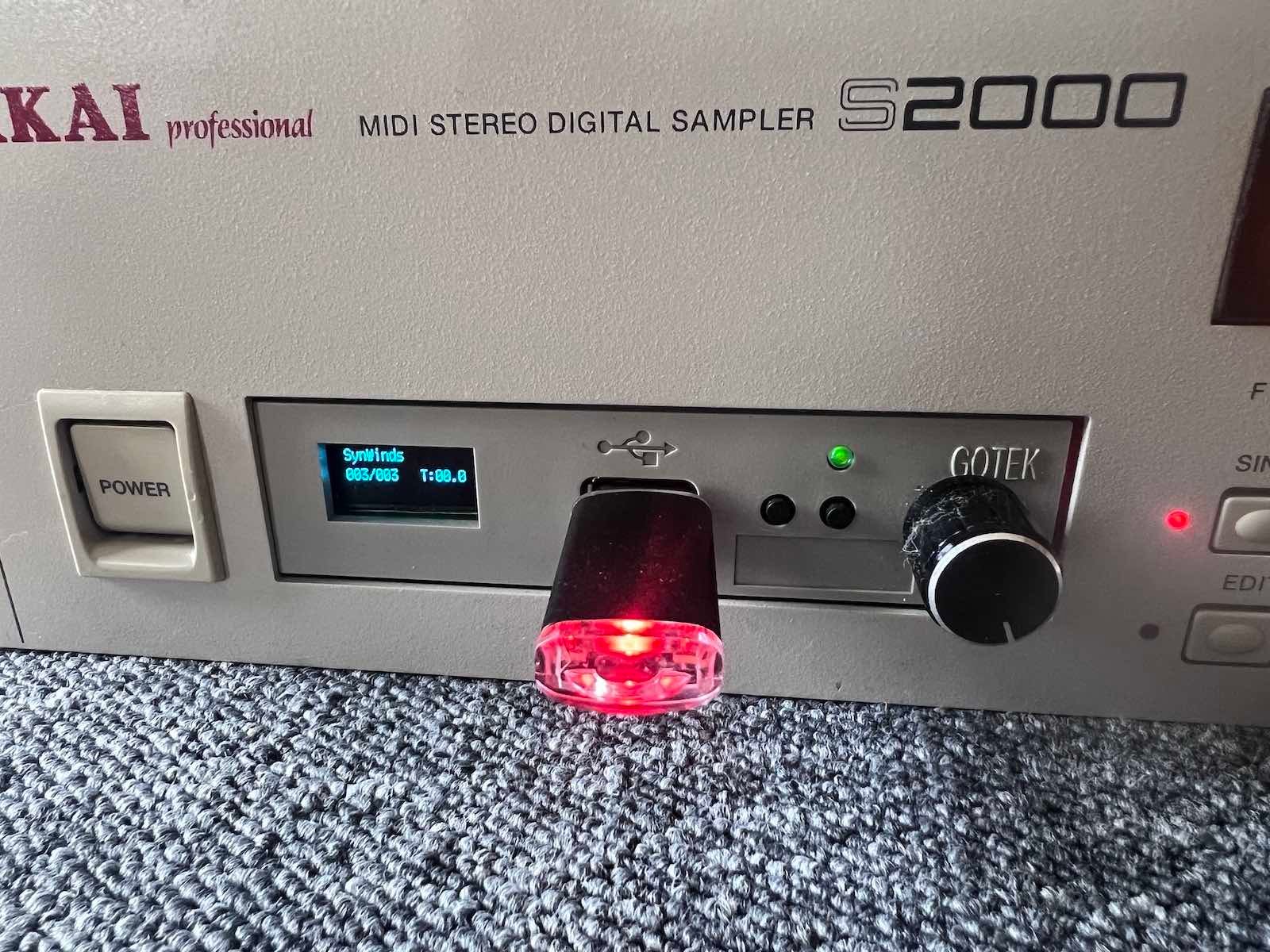
4) Attach the drive bracket to the back panel. Replace the cover and reinsert the 5 screws. Reconnect the power. Insert the USB drive first, then turn on the device.