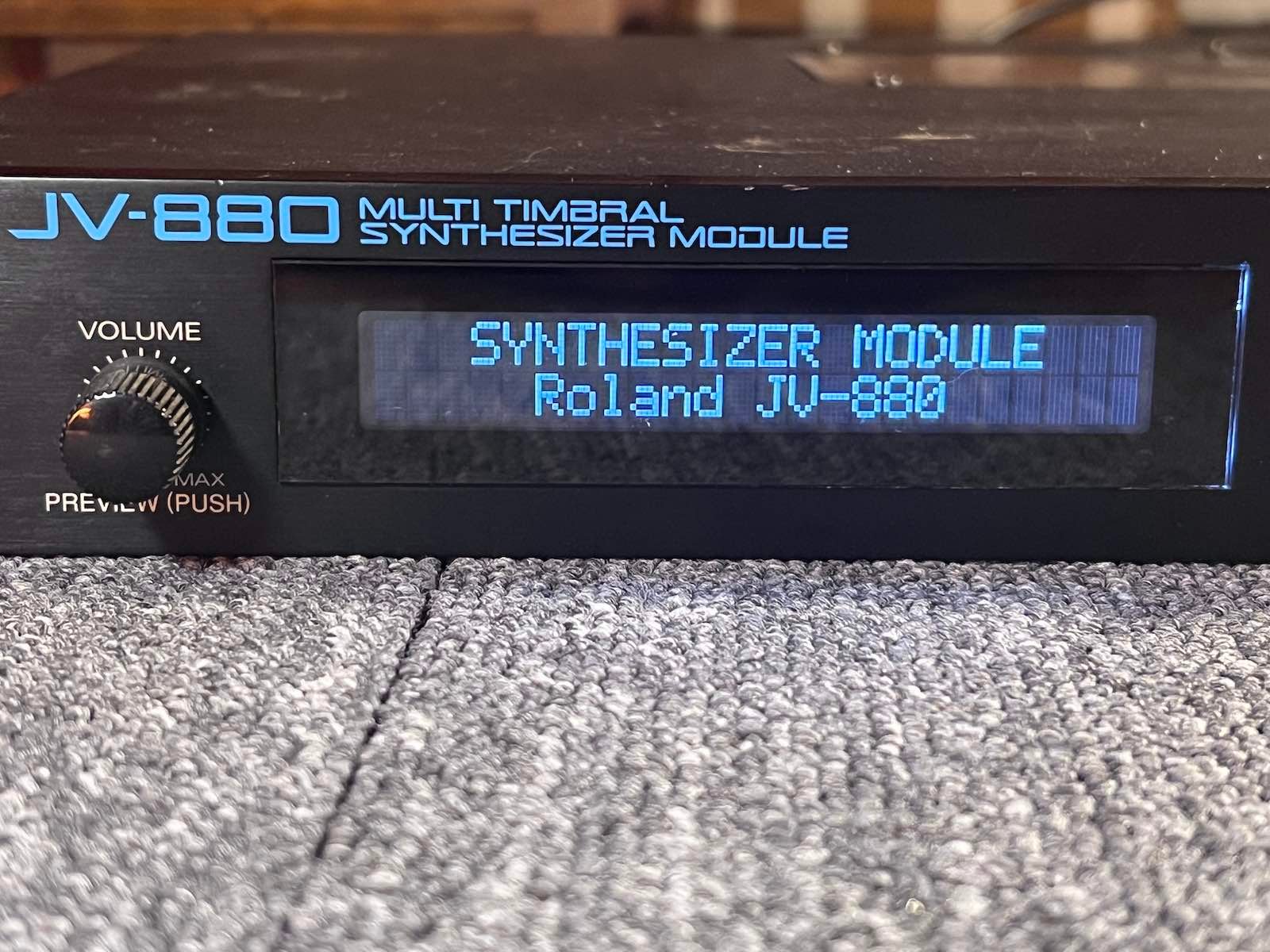





Roland JV-880 display kit installation
1) Remove the top cover. There are screws to remove on top, underneath, on the sides, and behind.
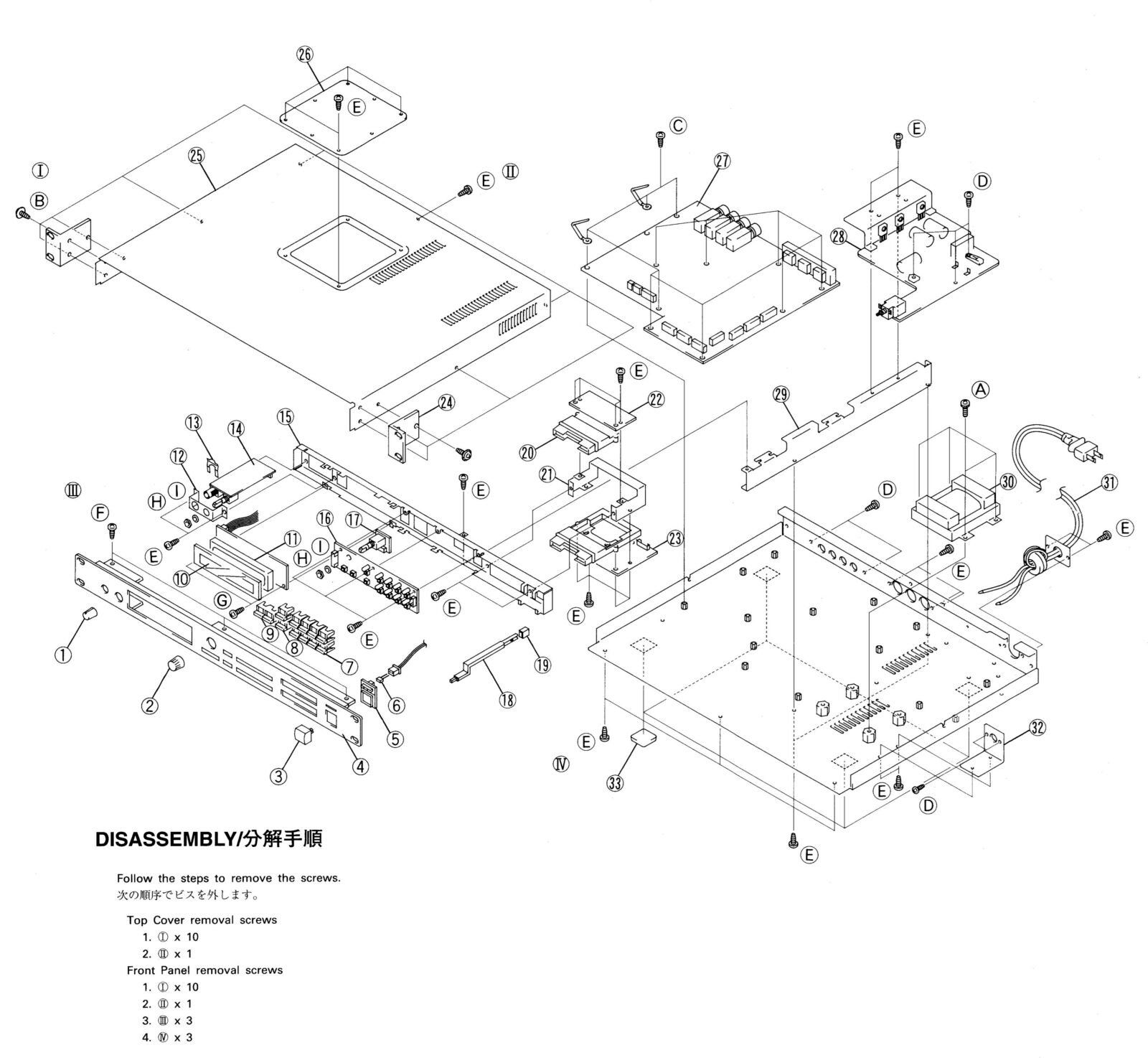
2) Remove the front black panel (screws on top and underneath)
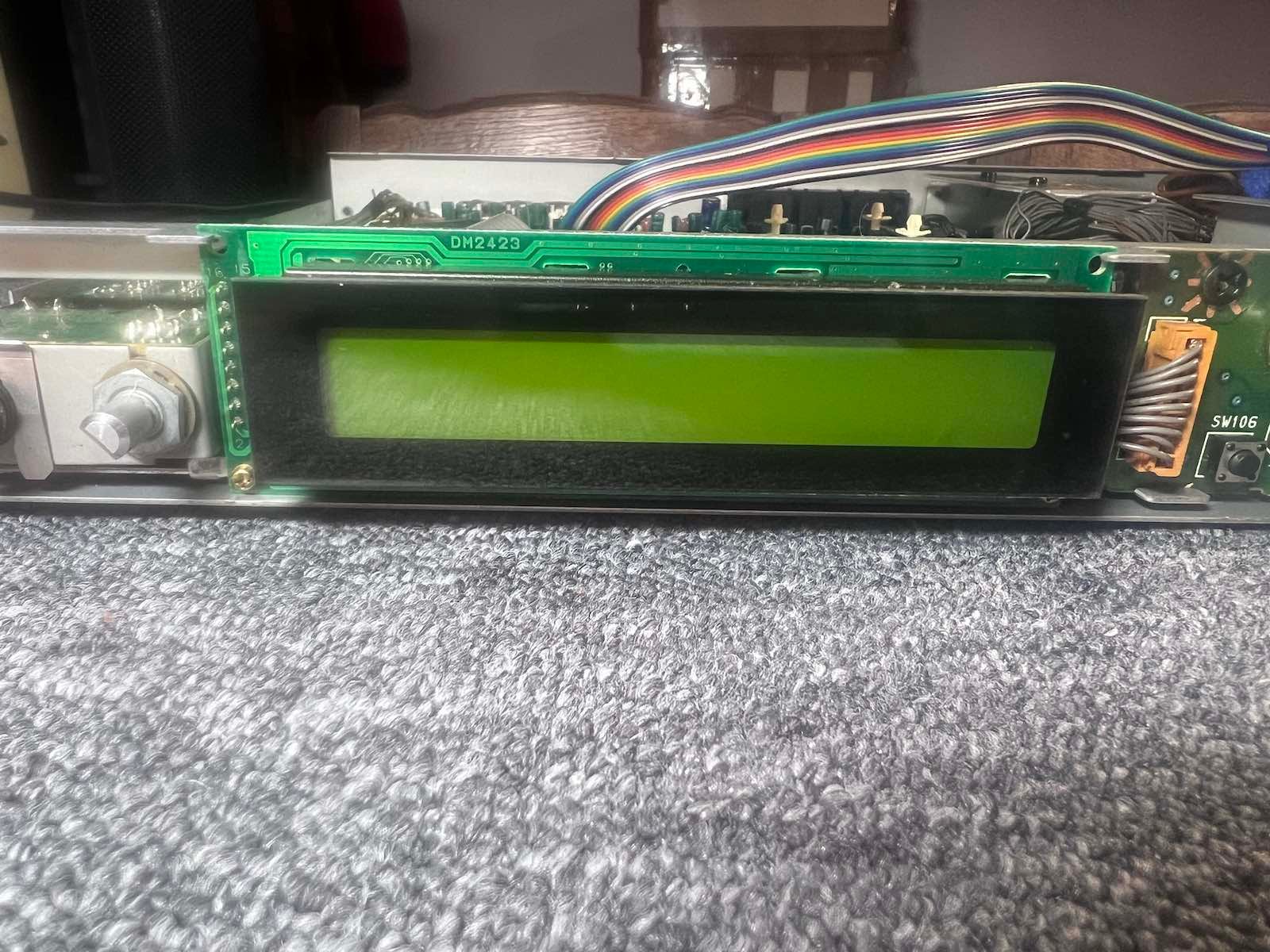
3) Remove the original display. 2 screws.
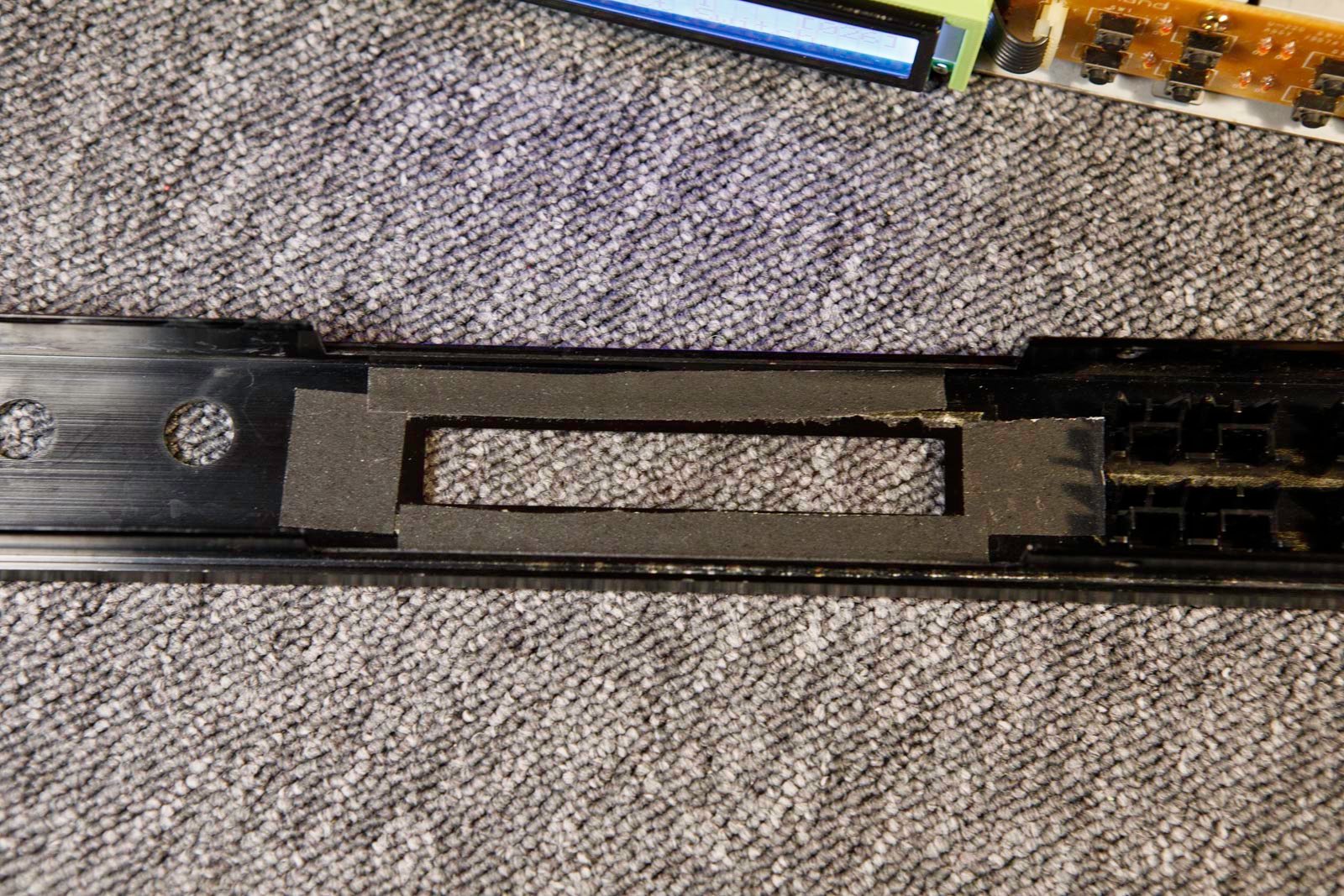
4) Detach the glass from the original display and attach it to the inside of the window with an adhesive tape. (You can also glue it later)
5) Insert the new flat cable.
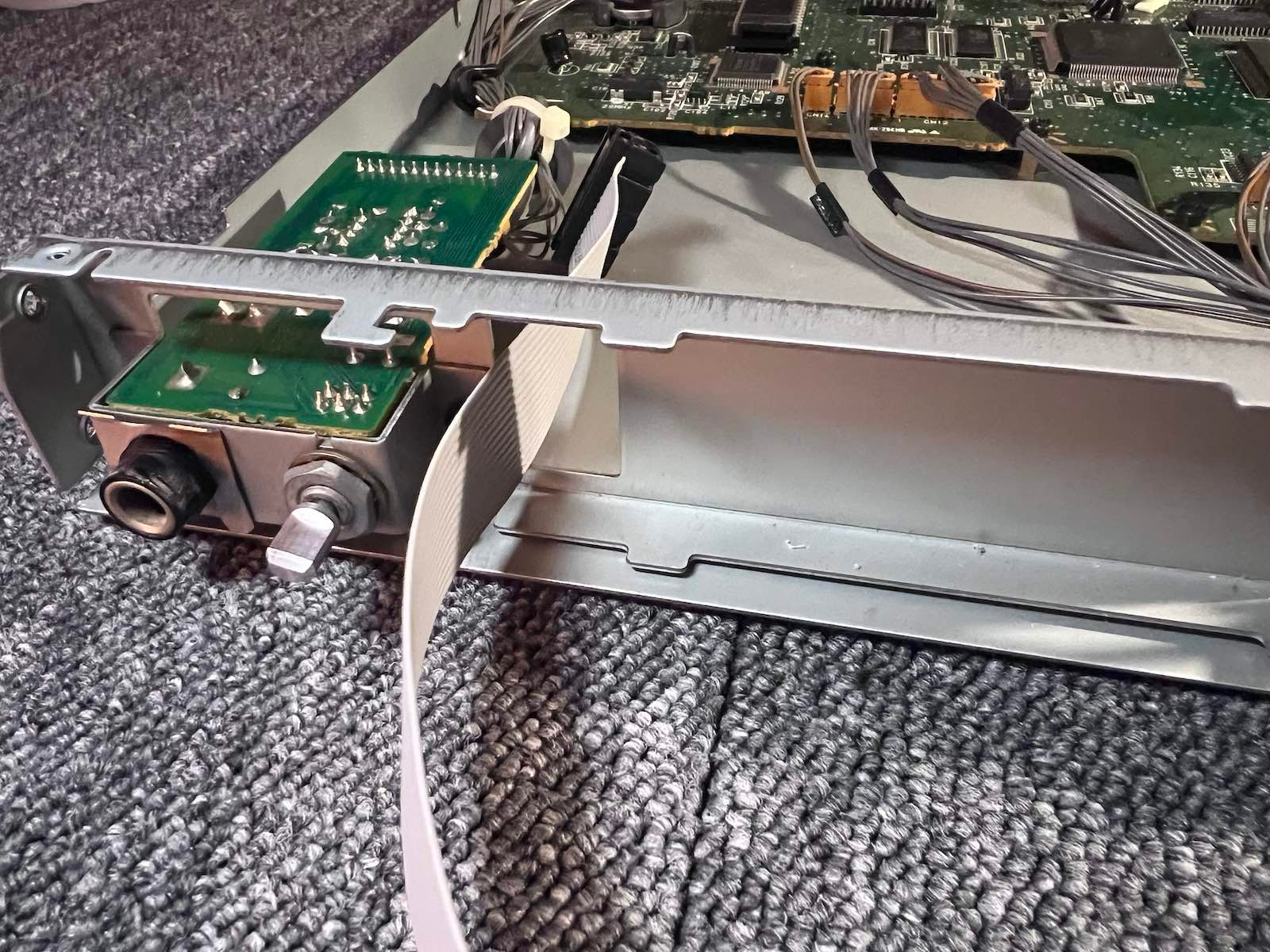
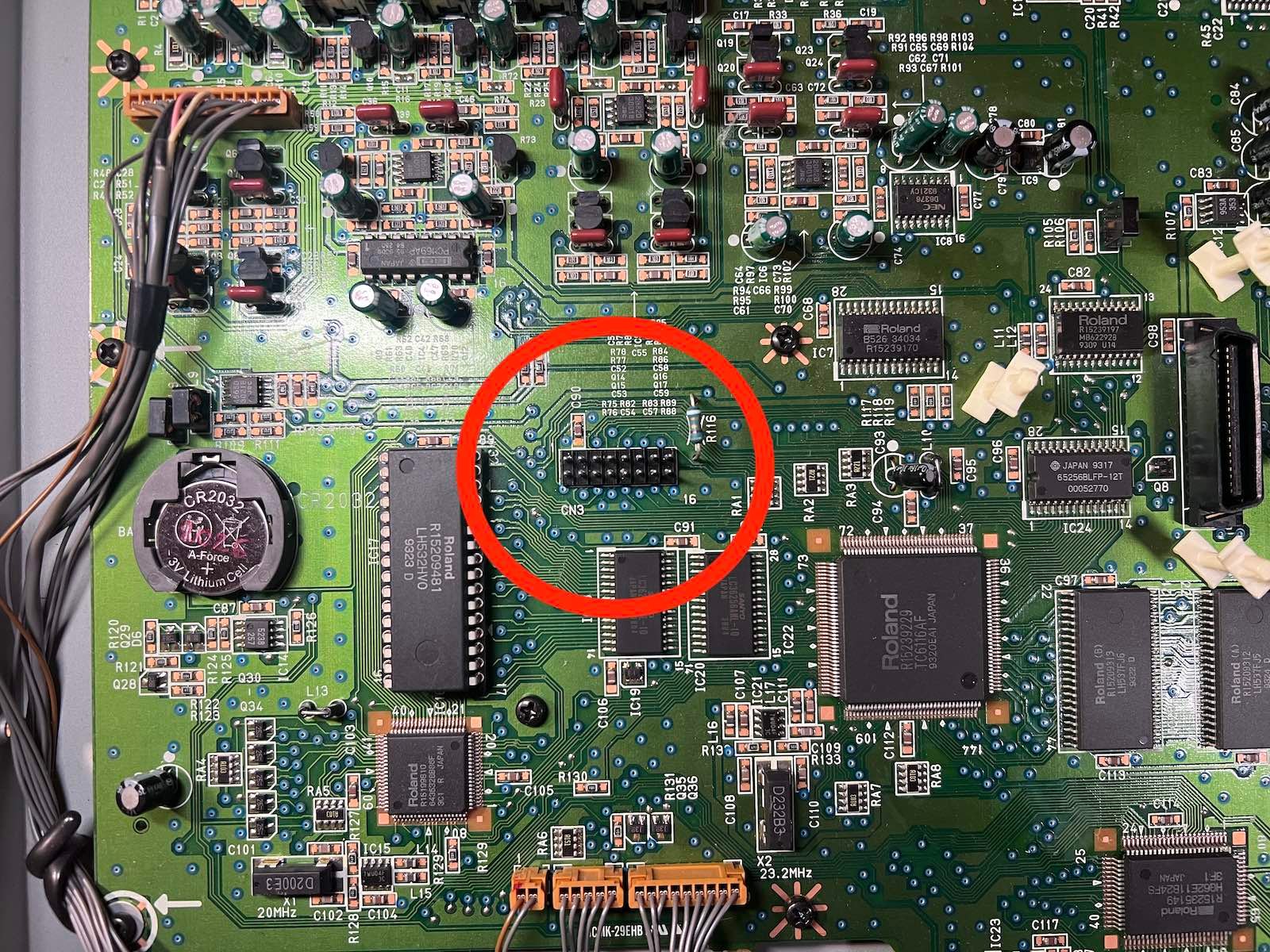
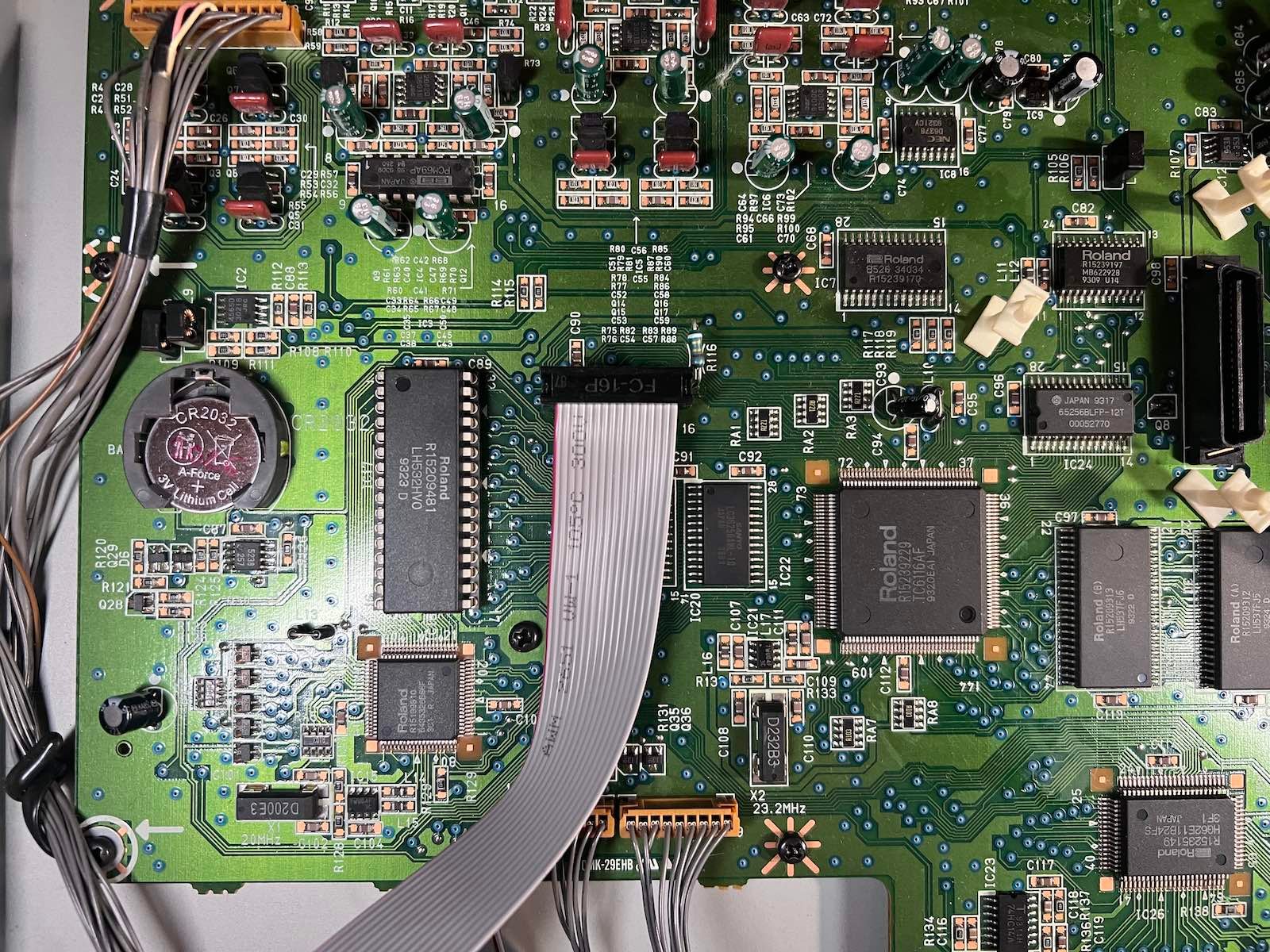
7) Position the display.
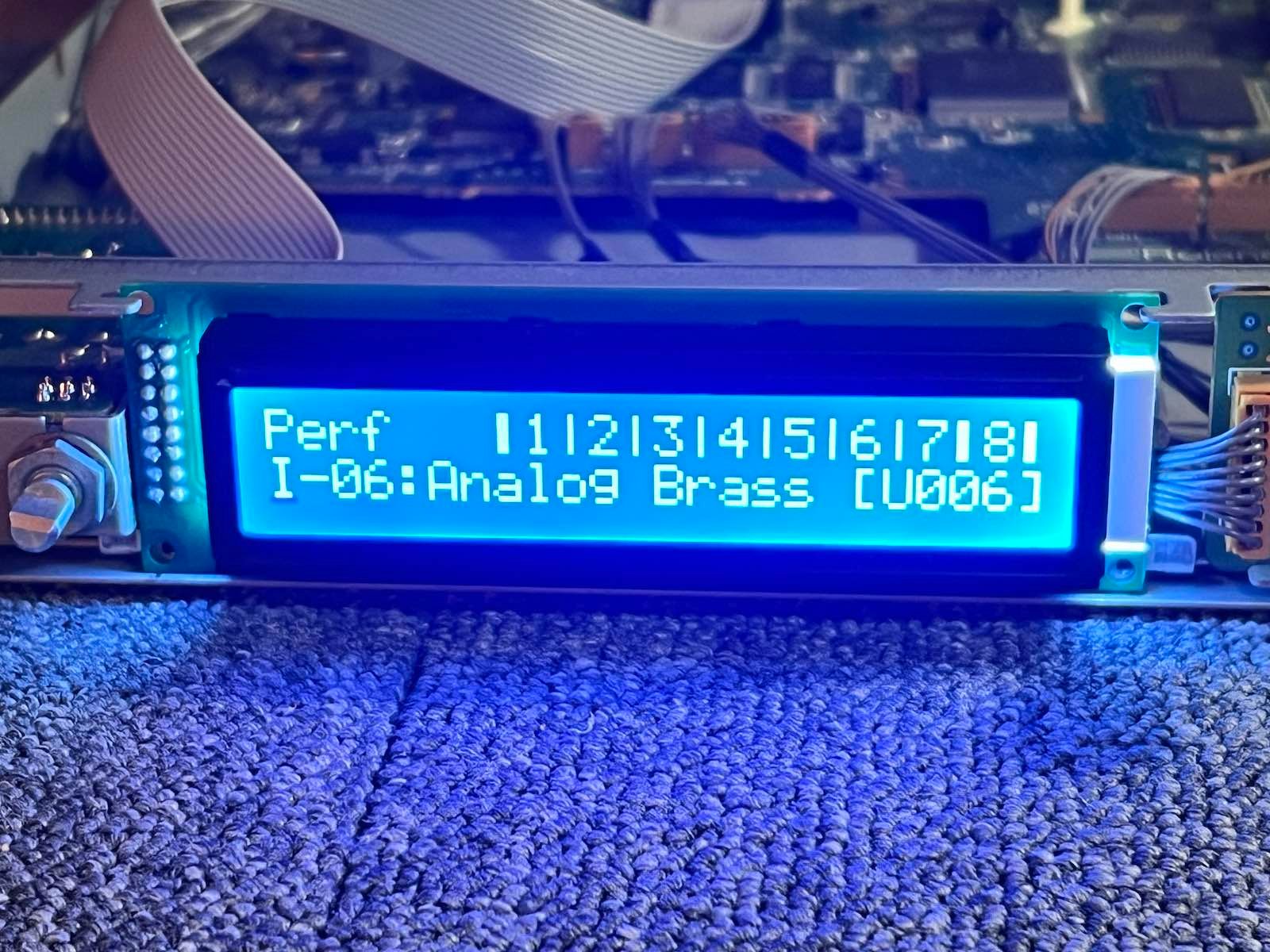
8) Position the guide bracket. (2 screws)
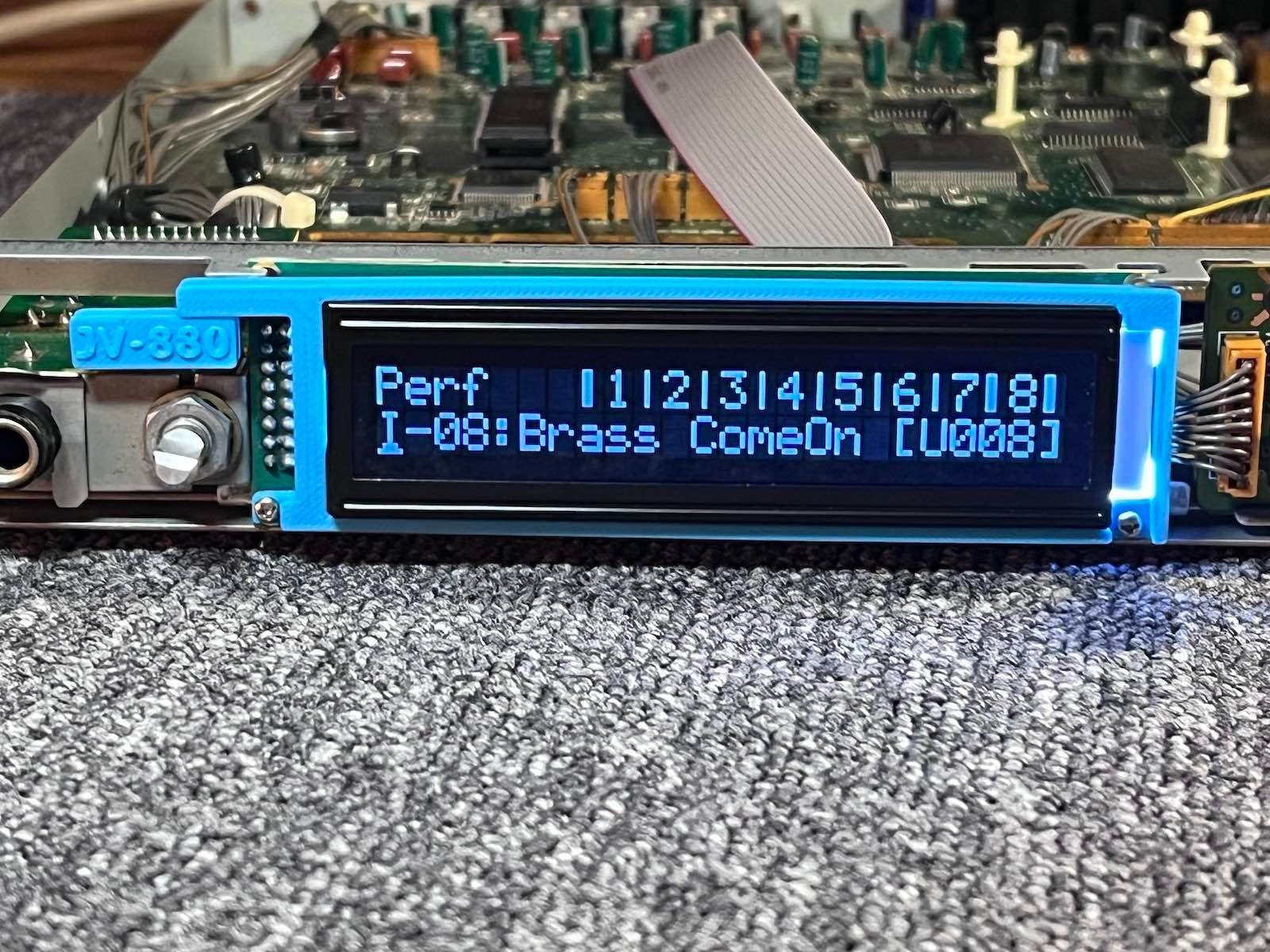
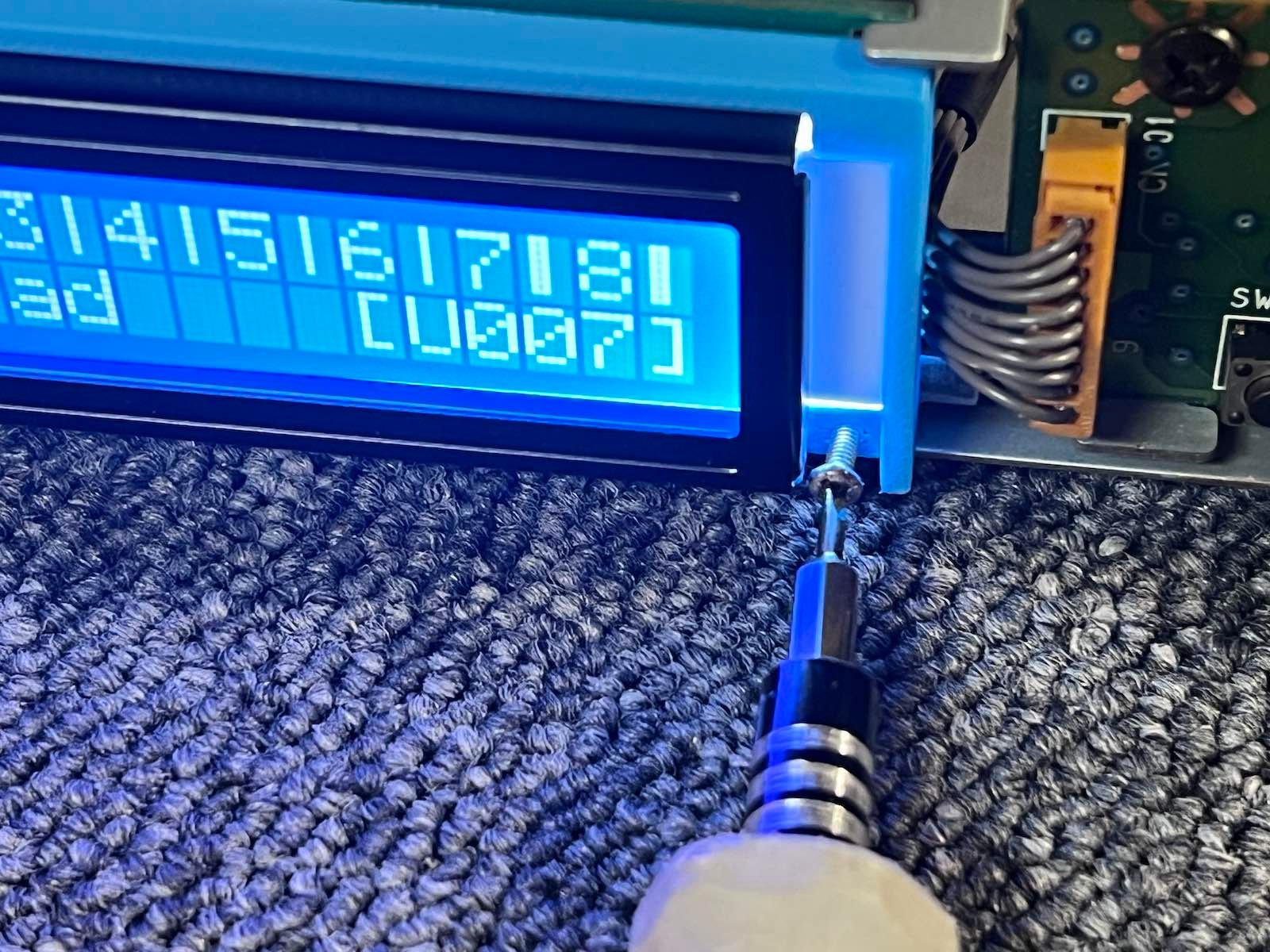
9) You may need to adjust the contrast setting via the utility menu.
10) Go back up.