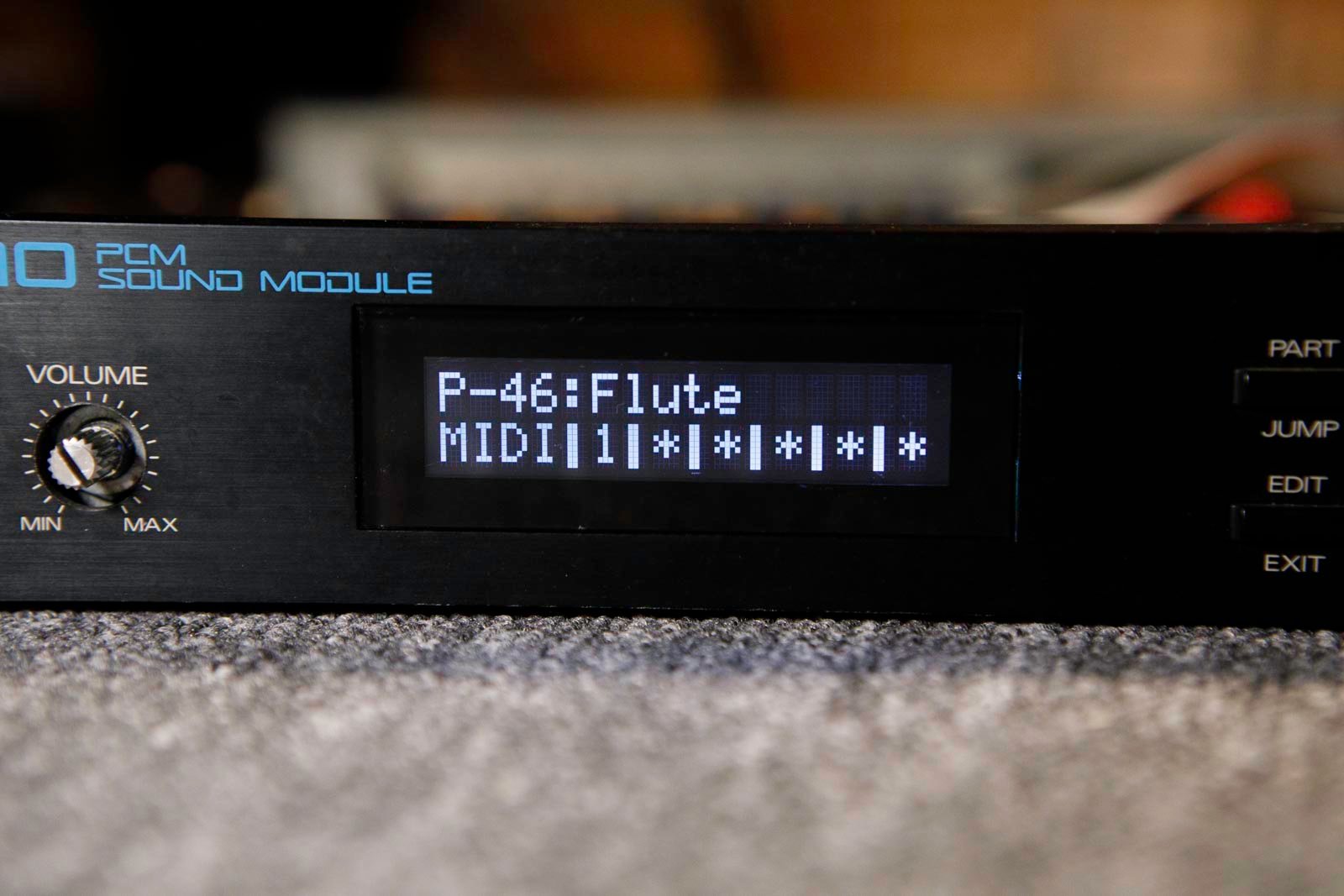





Roland U-110 display kit installation
1) Remove the top cover. There are screws to remove on top, underneath, on the sides, and behind.
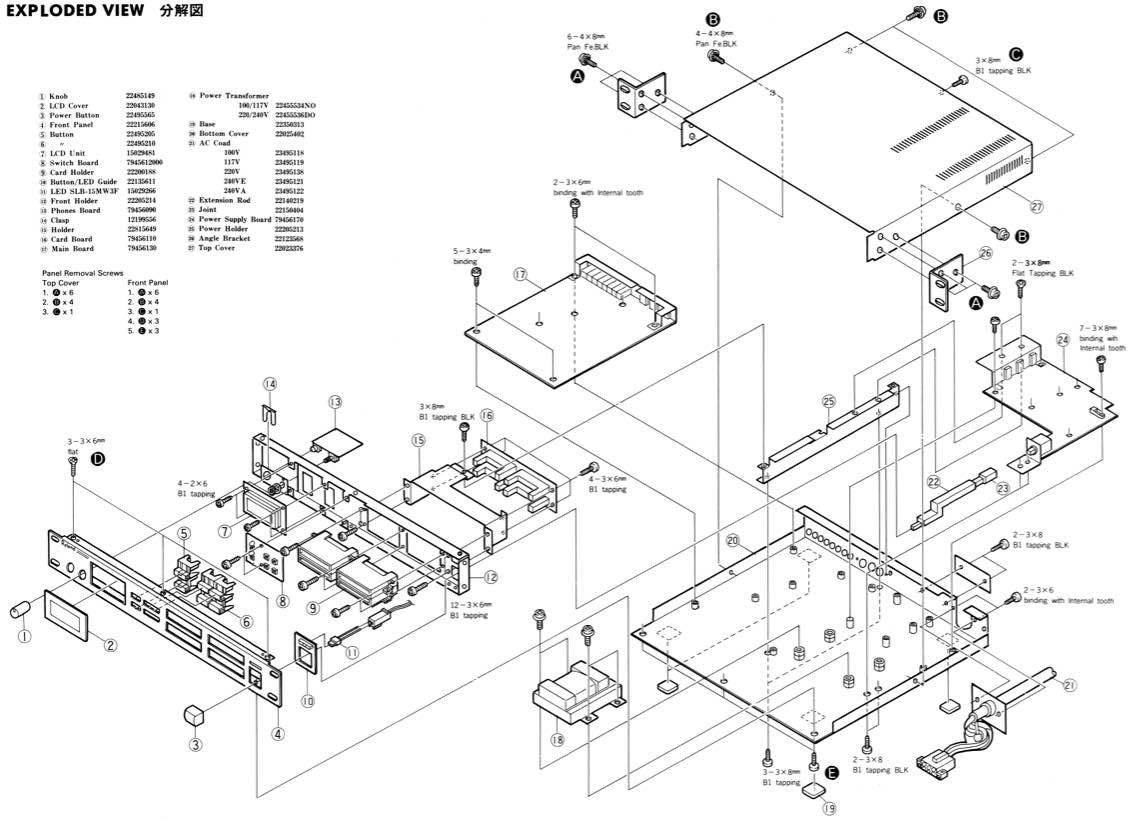
2) Remove the front black panel (screws on top and underneath)
3) Disconnect both display connectors. Remove the original display (4 small screws).
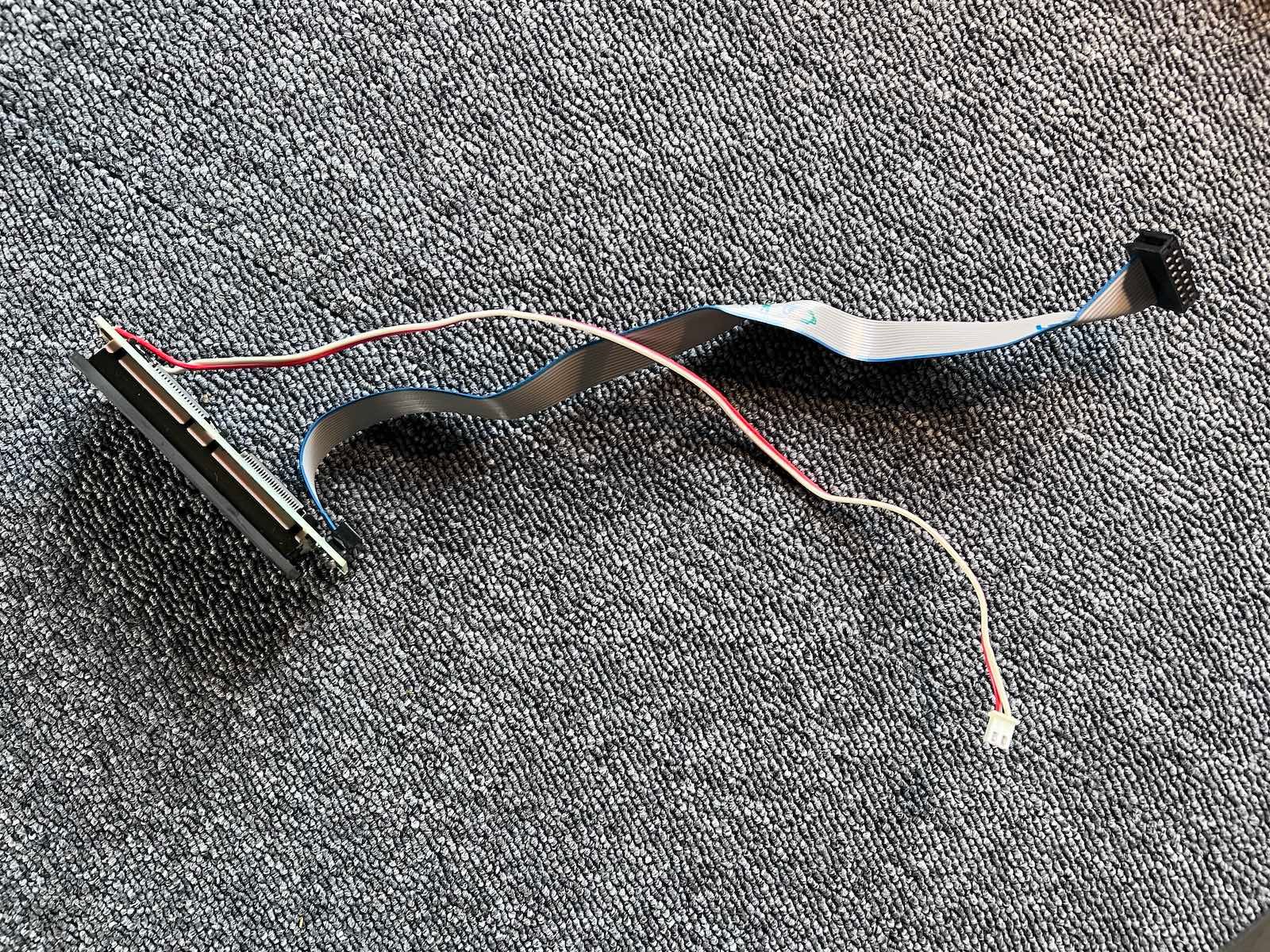
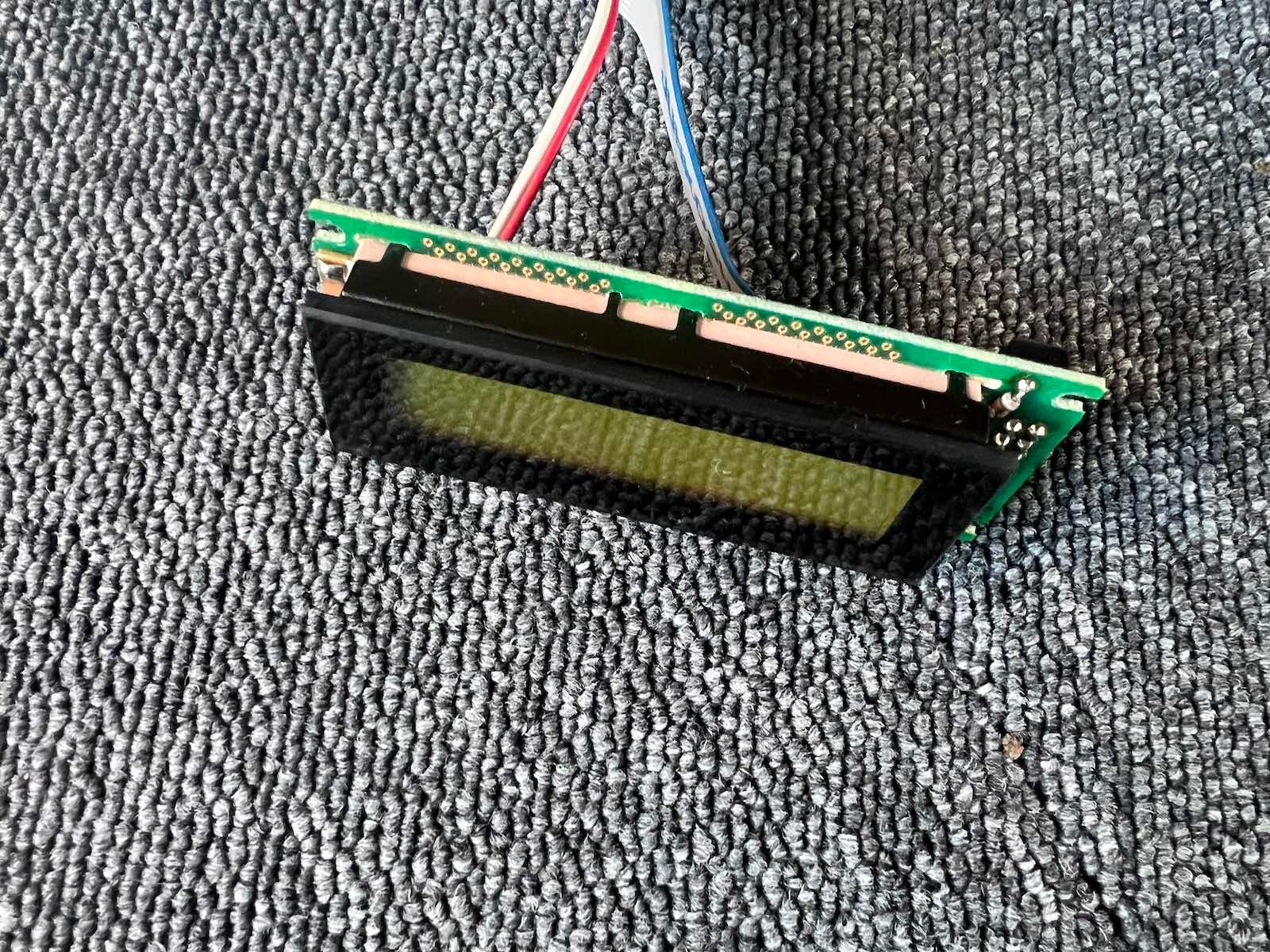
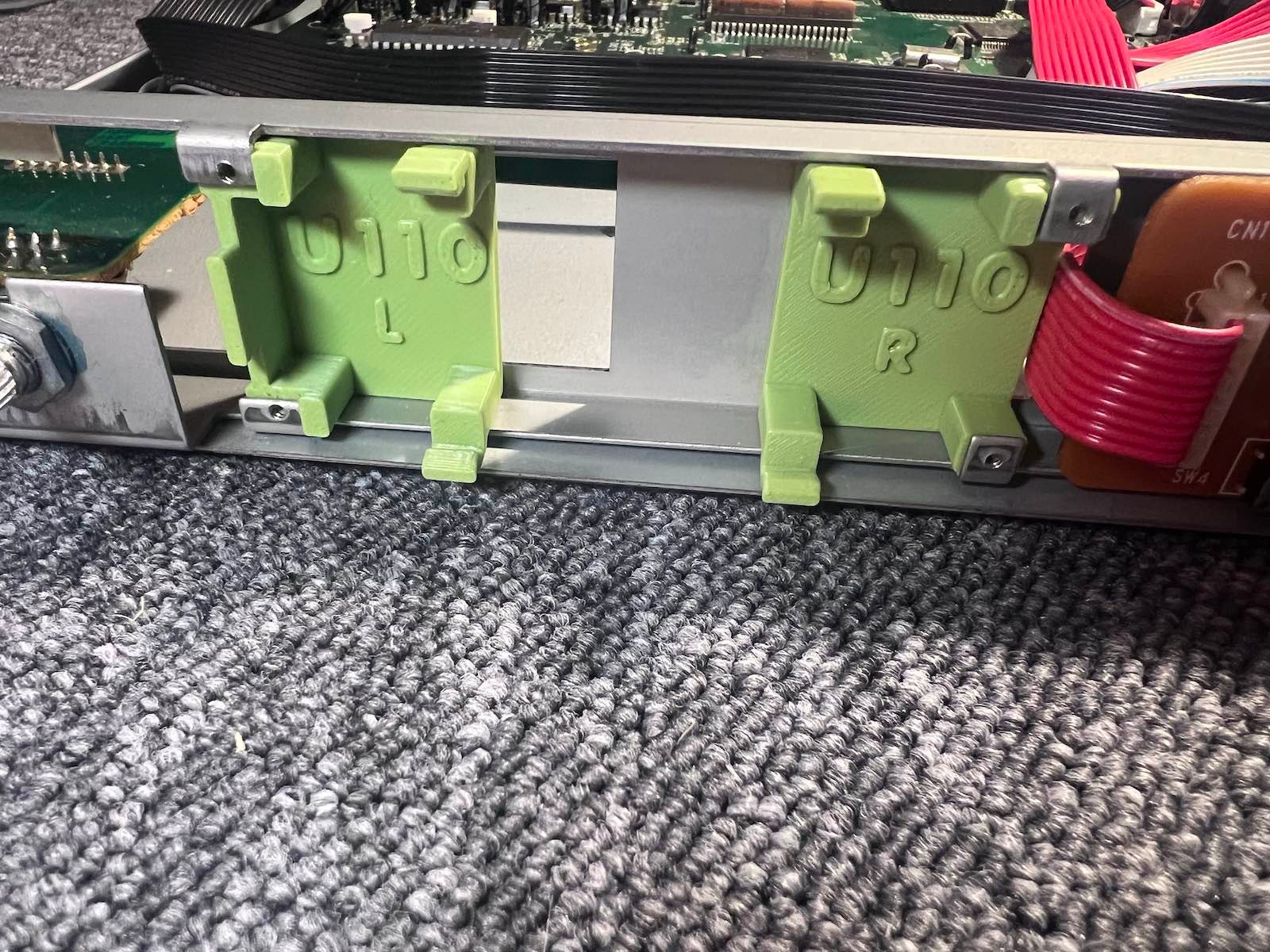
4) Position the two brackets and screw them in using the original screws.
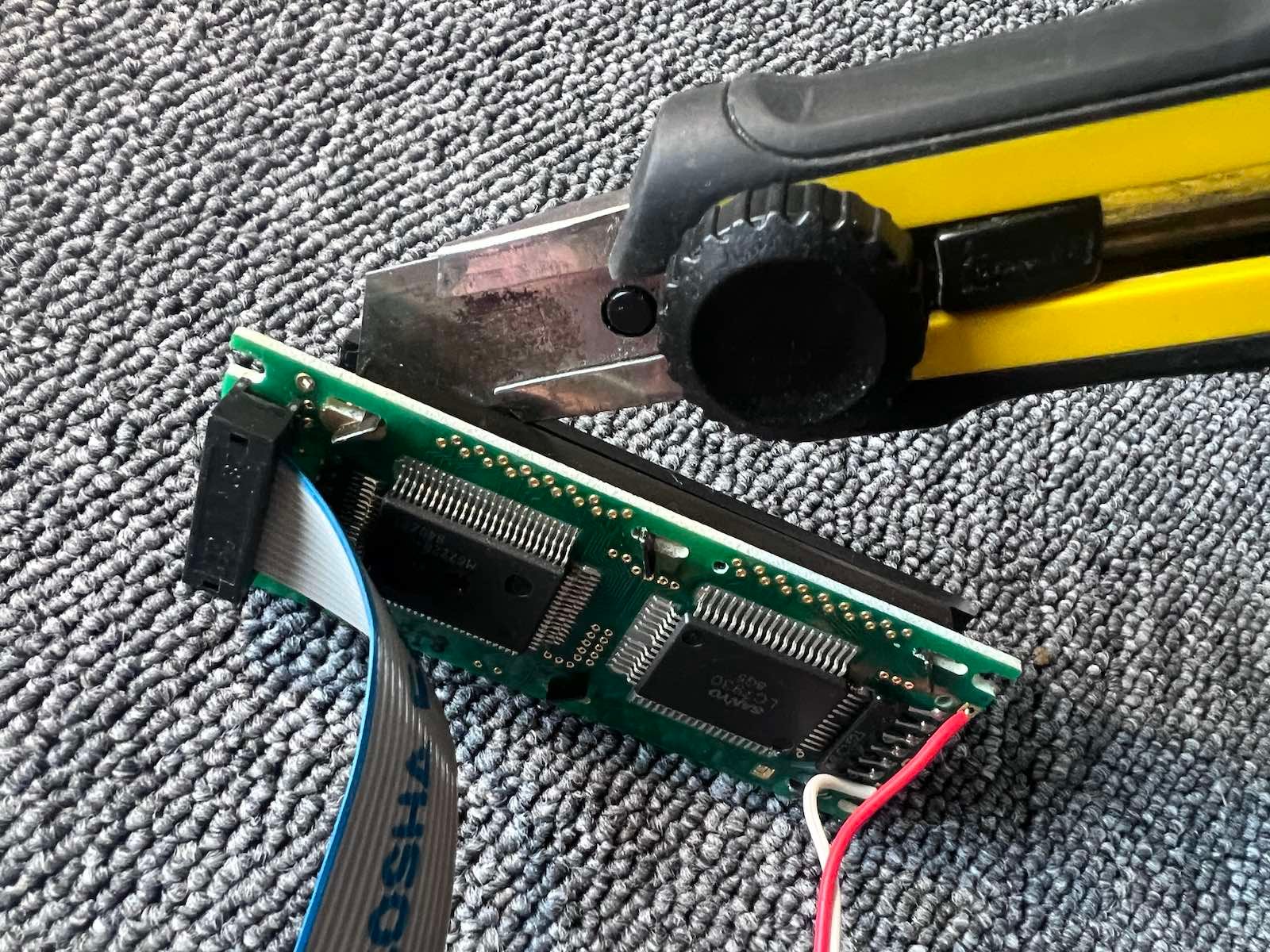
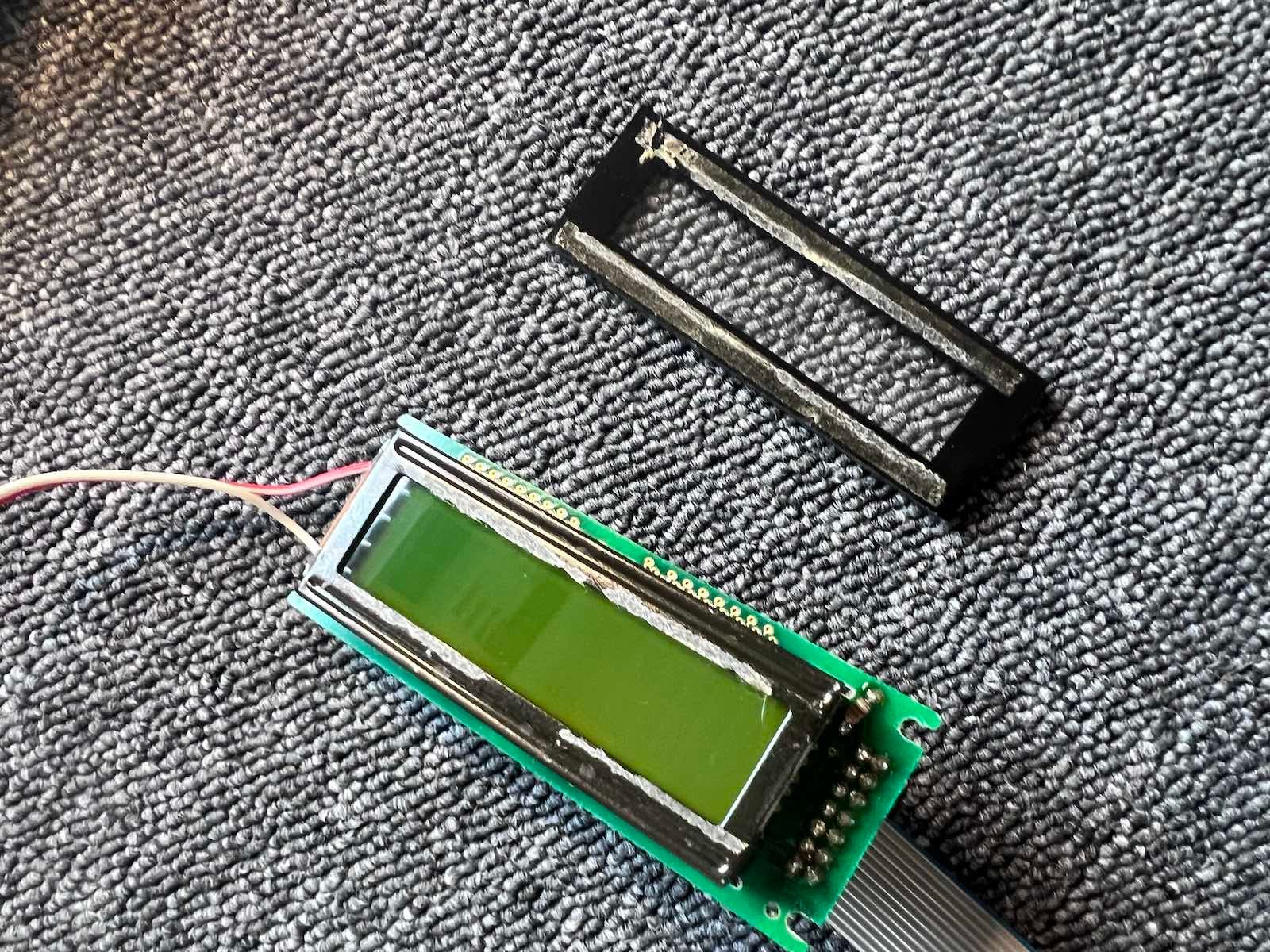
5) detach the glass of the original display.
6) pass the flat cable of the new display and plug it in.
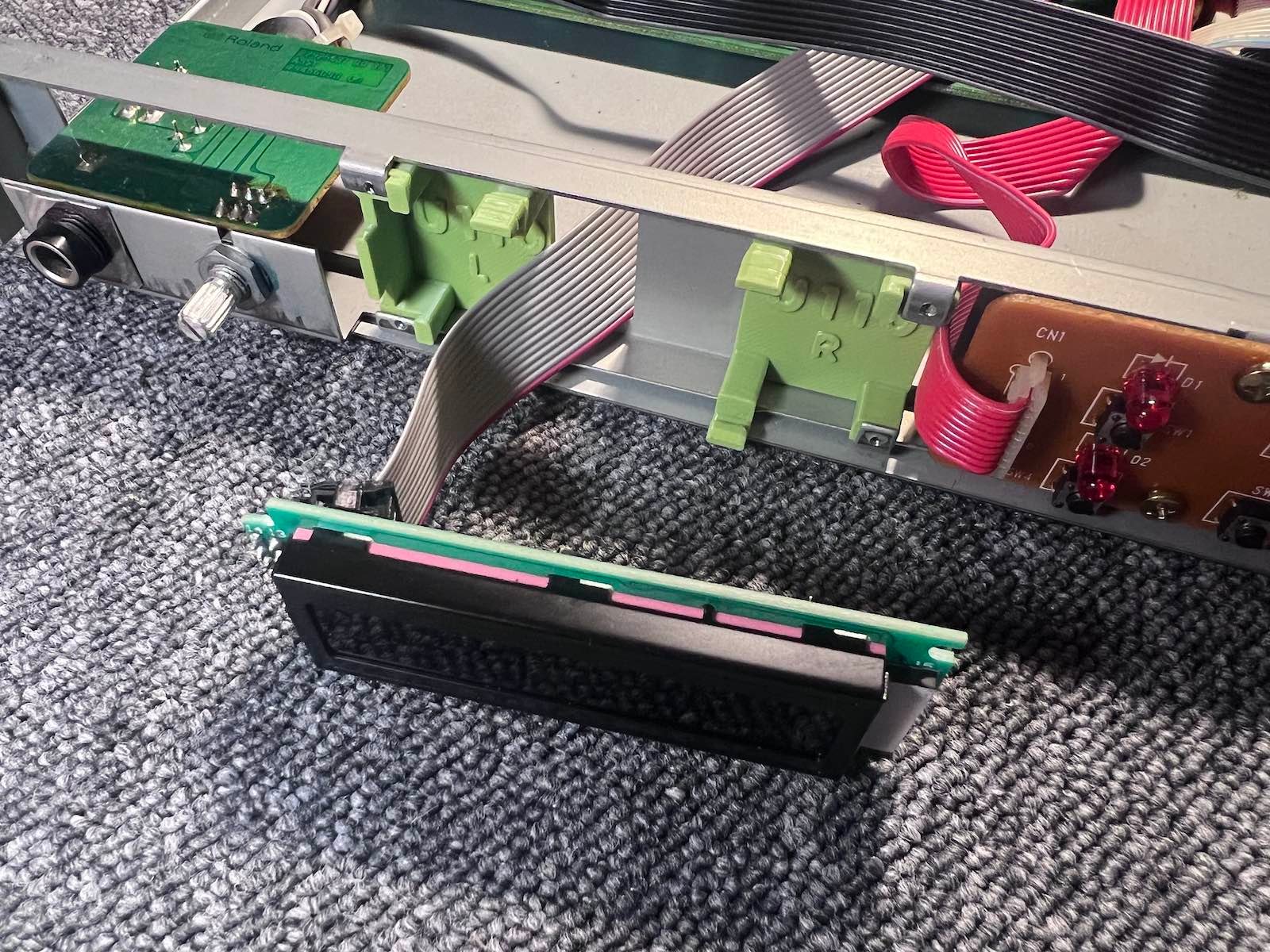
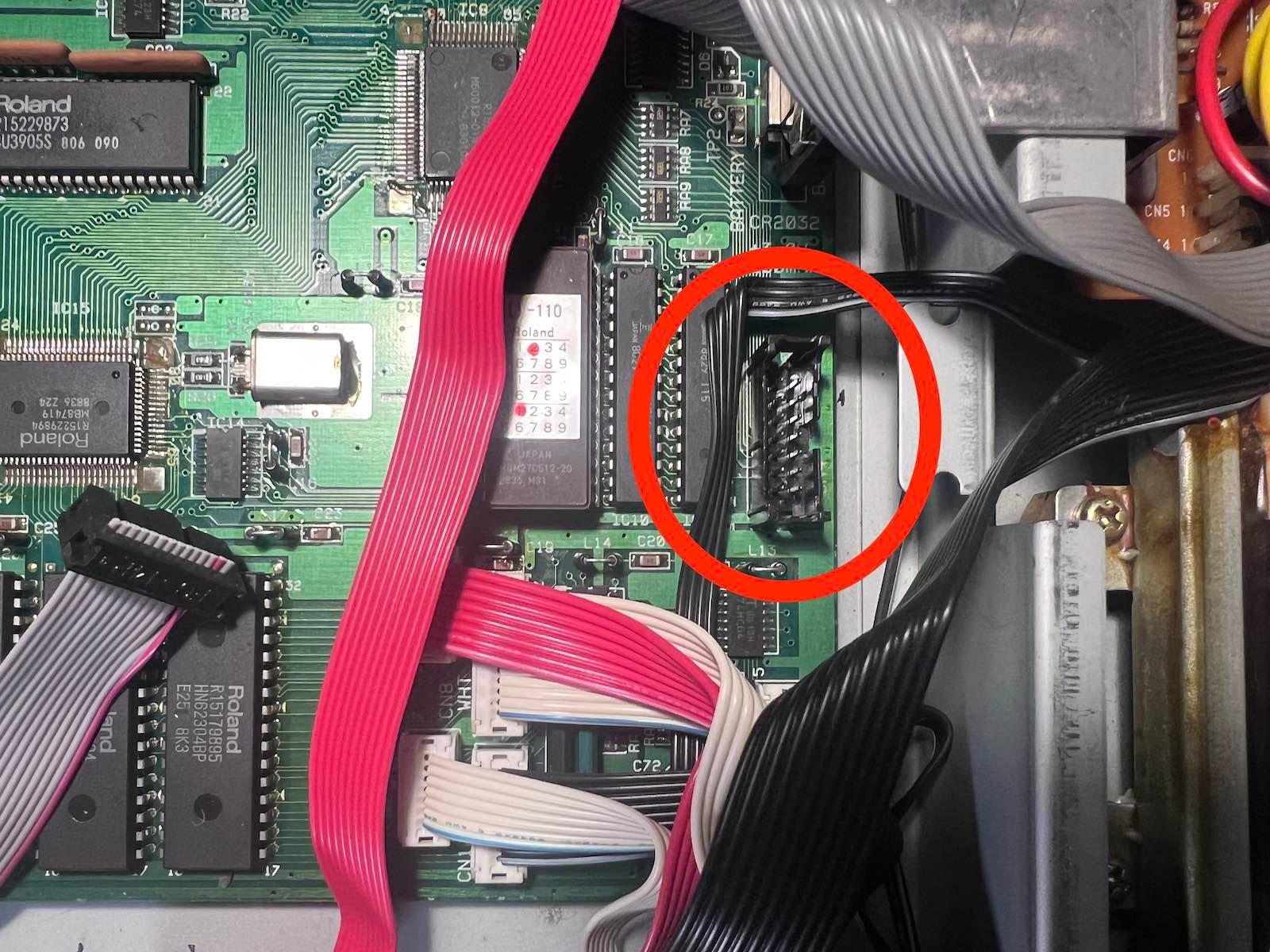
7) Position the new display.
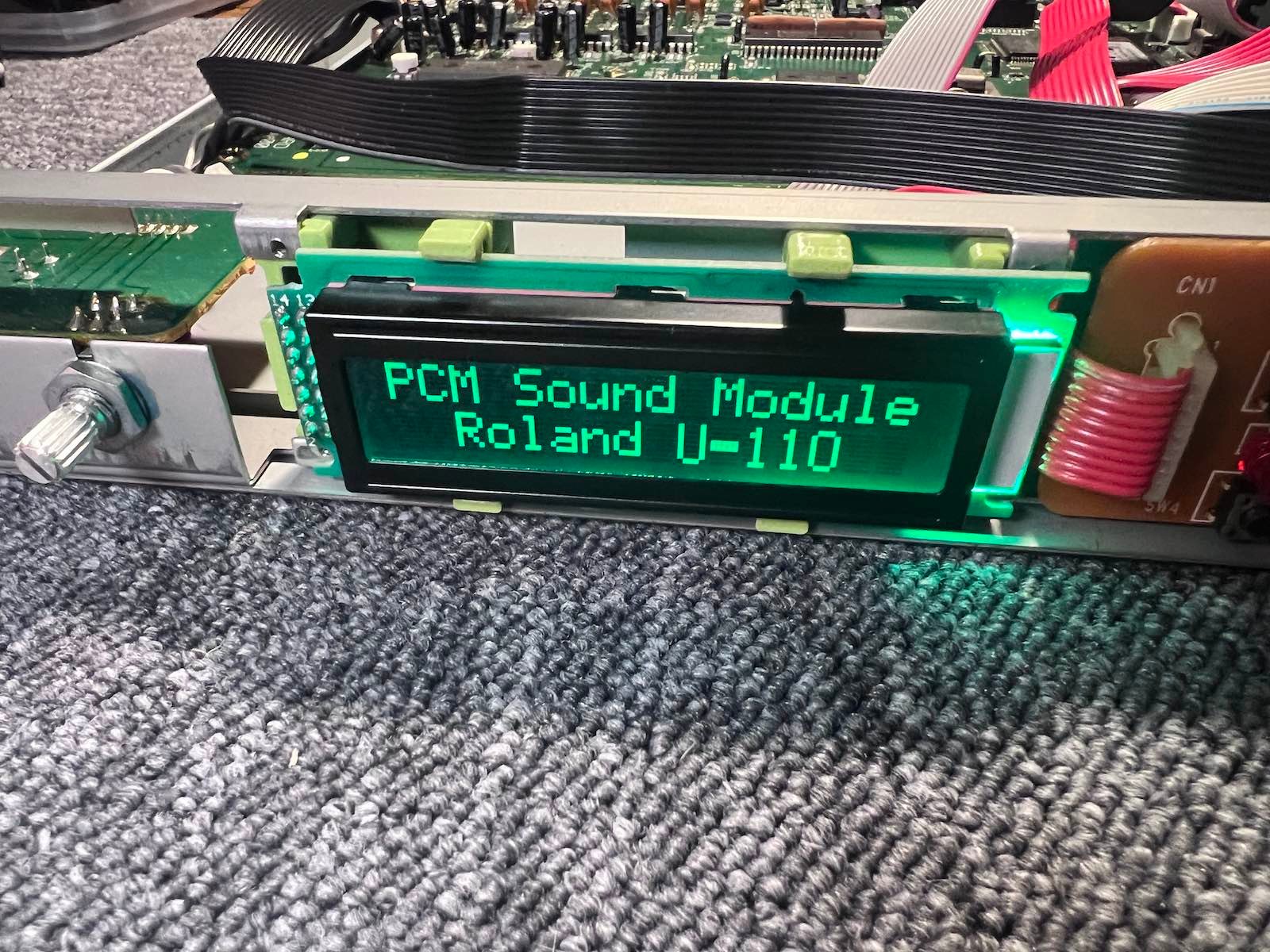
8) Go back up. Position the glass from the outside, adding a little more glue if necessary if the original adhesive is no longer sufficient.