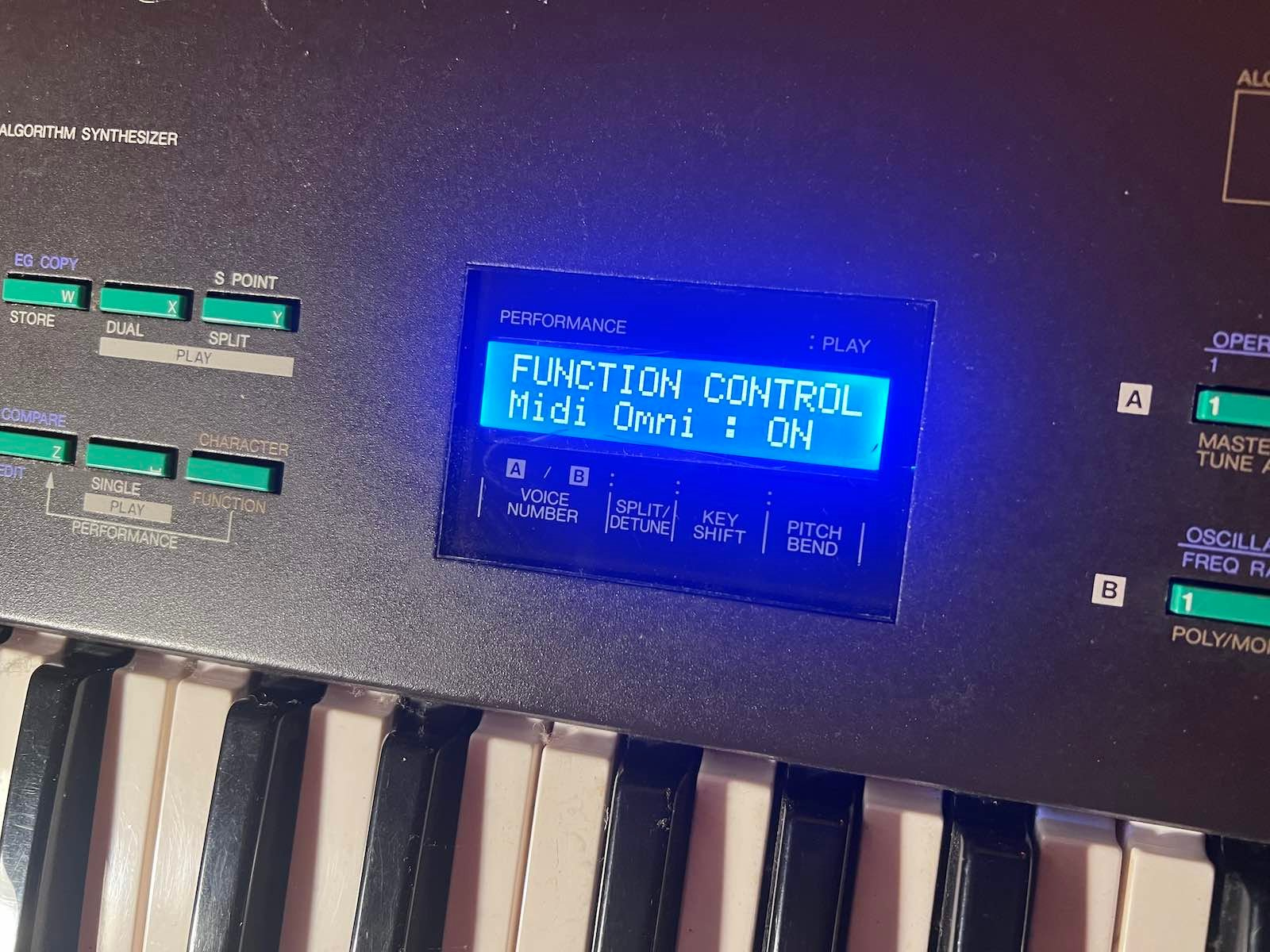





Yamaha DX21 display kit installation
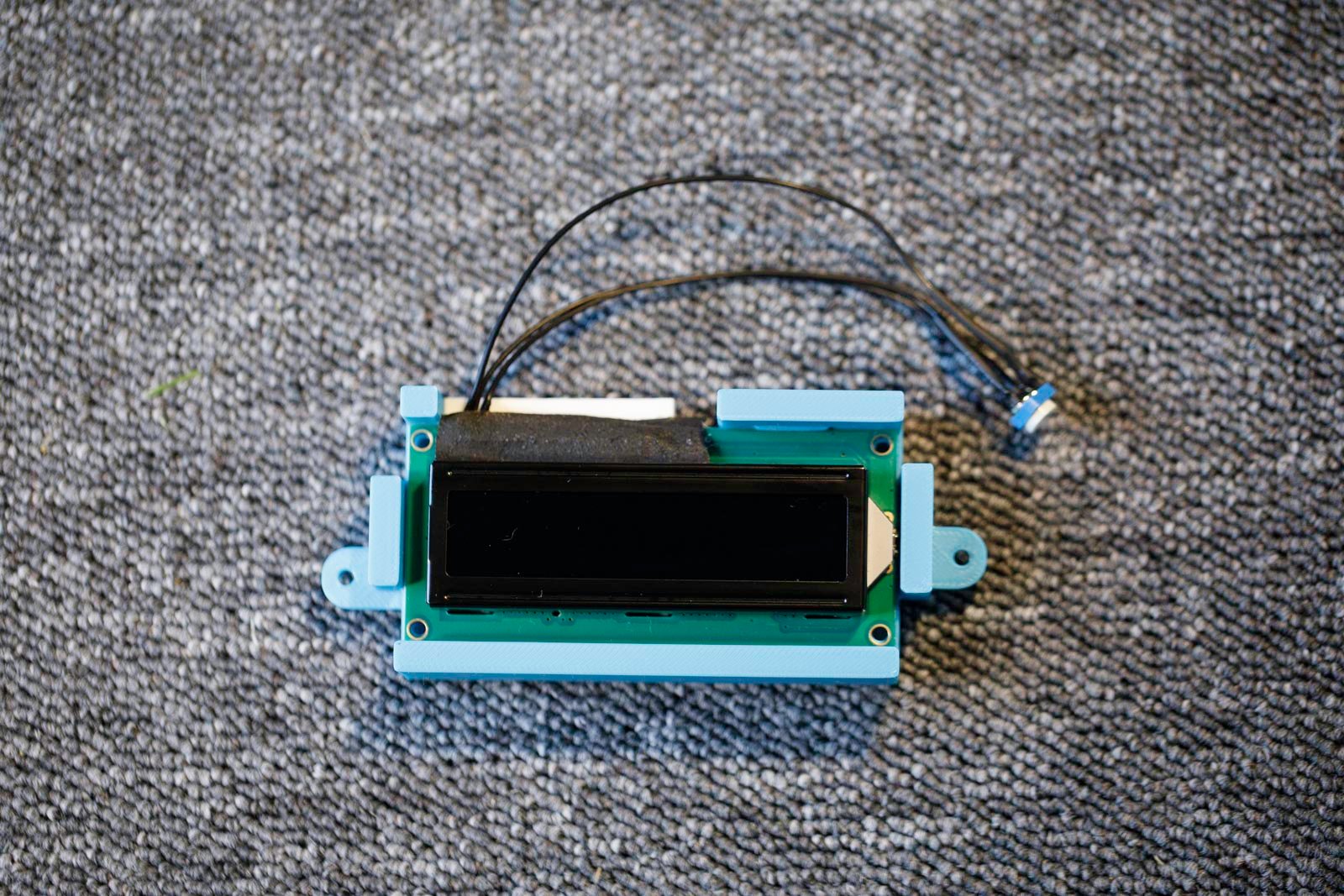
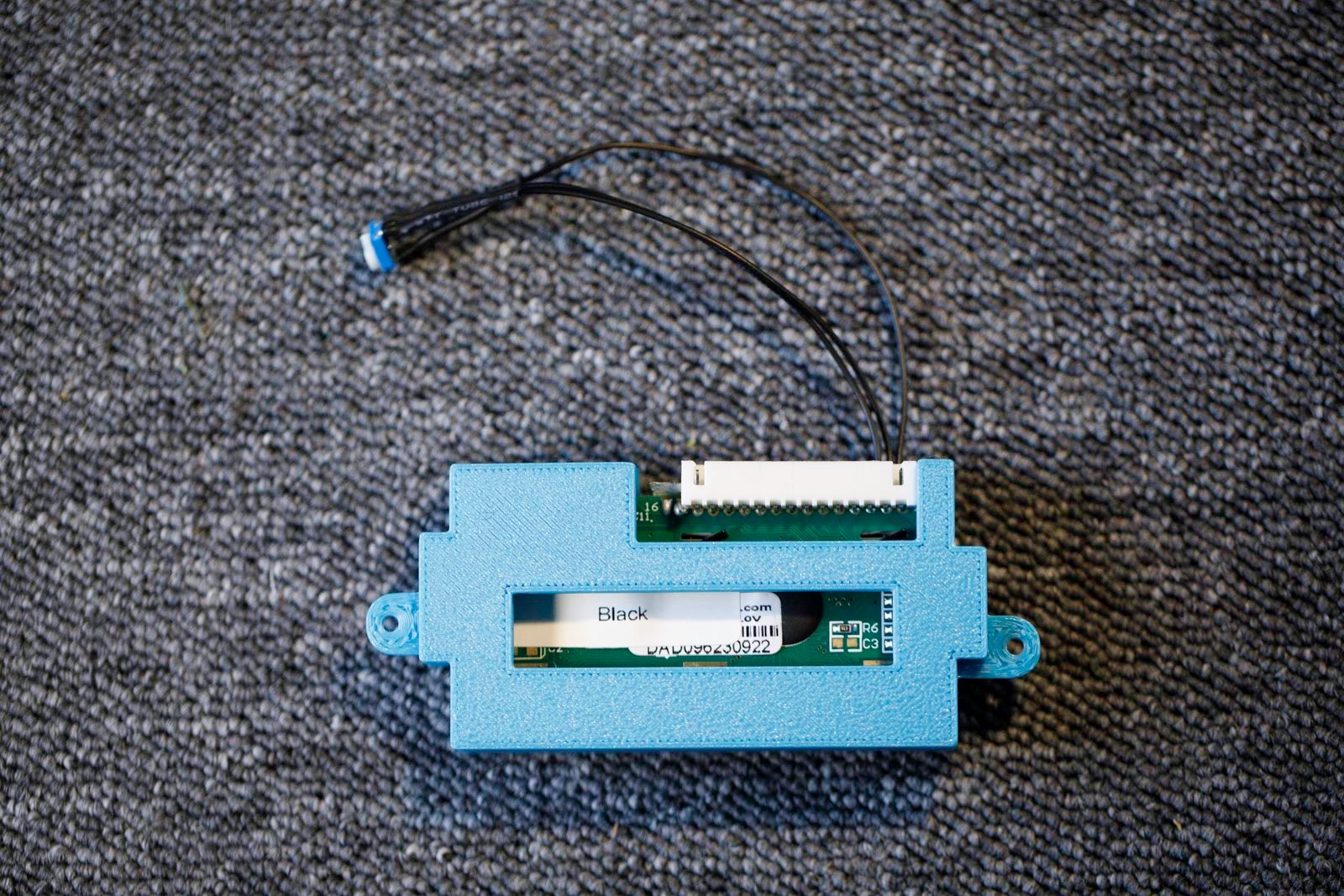
1) Remove the bottom. There are screws to remove underneath and behind.
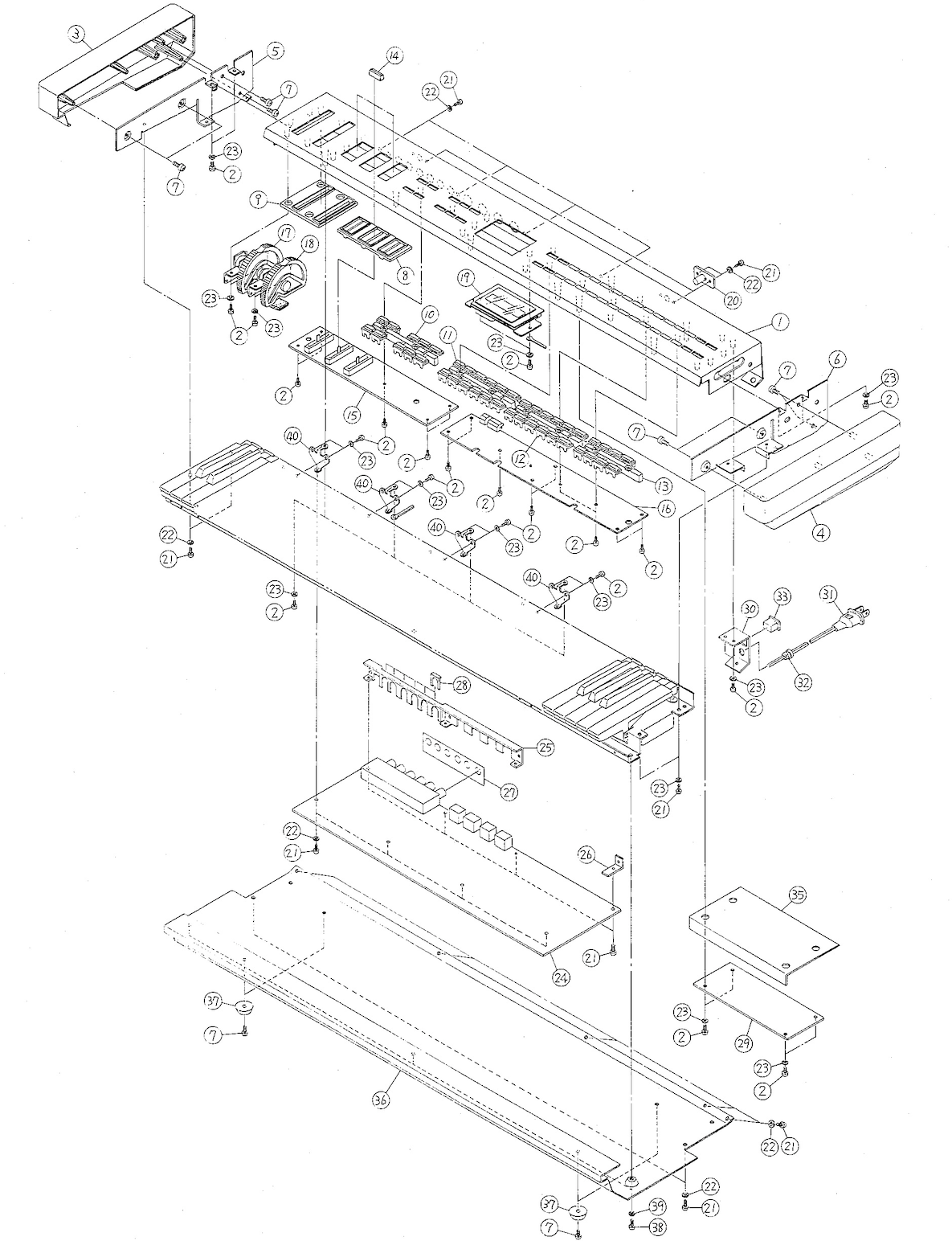
2) Remove the original display (2 screws, keep them).
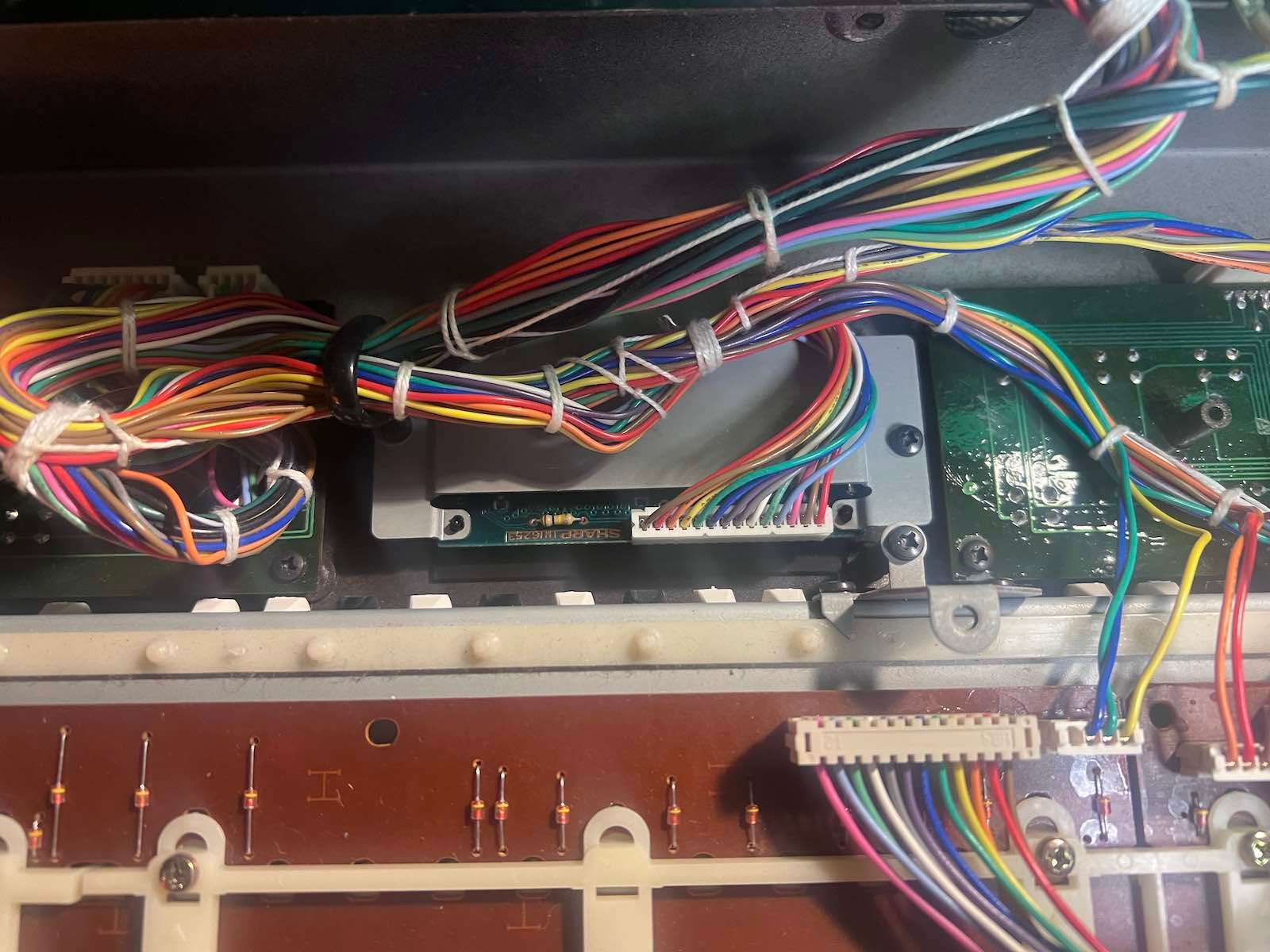
3) Remove the original screen bracket.
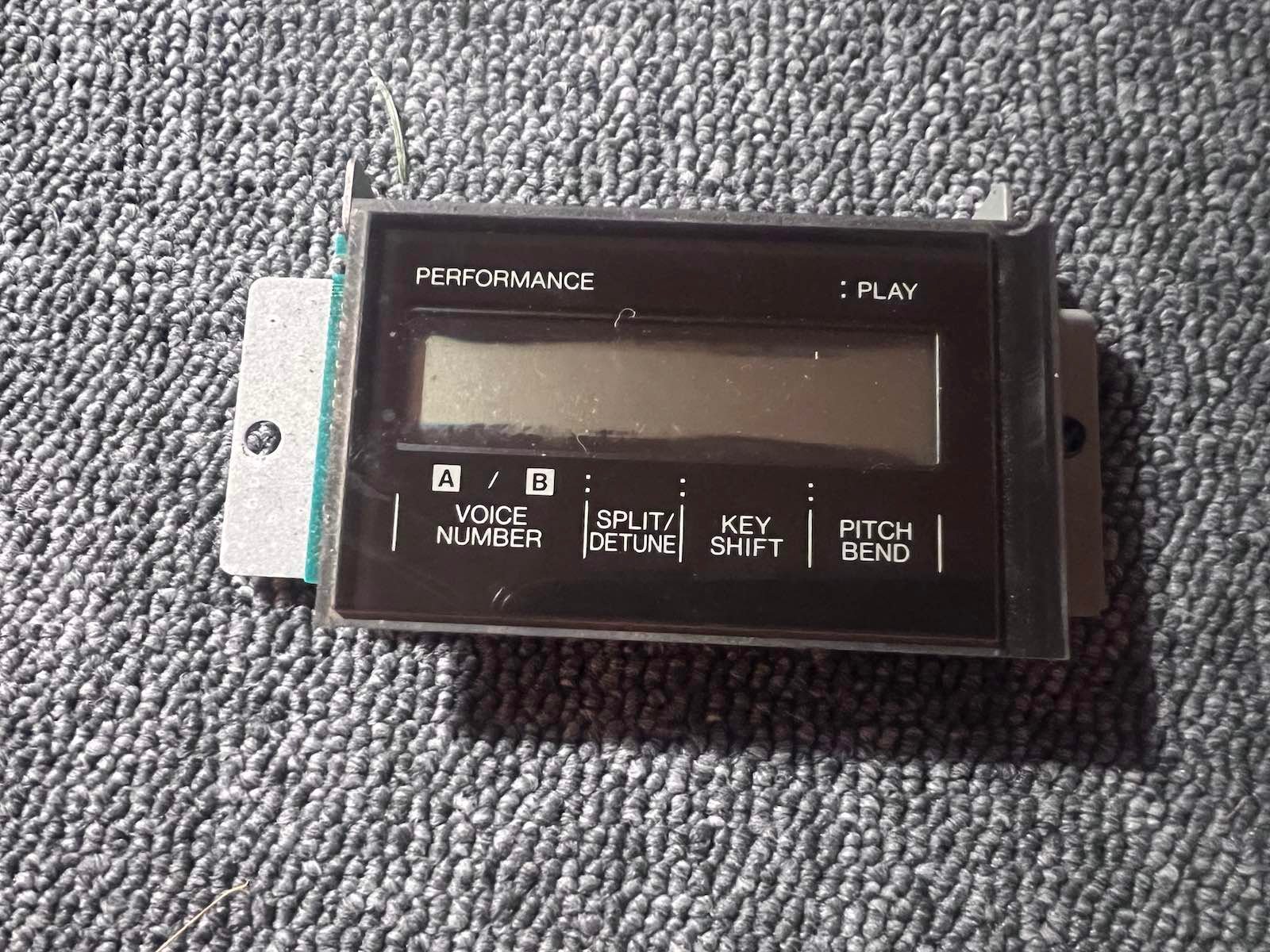
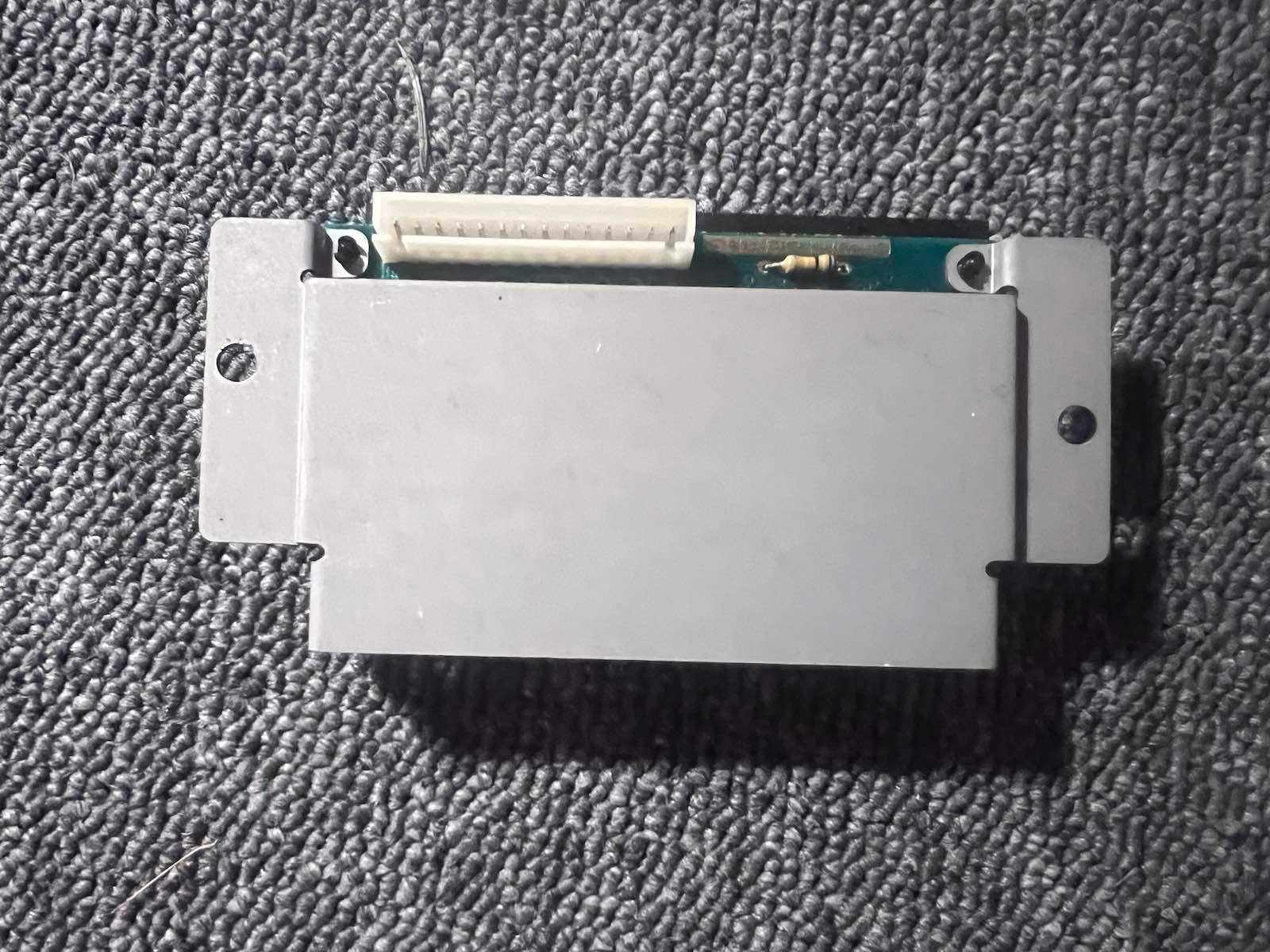
4) Peel the plexiglass off the backing so you can reuse it. Take your time, and be careful not to scratch it. (The best solution is to gradually pry the plexiglass open with your hands, without forcing it, taking your time).
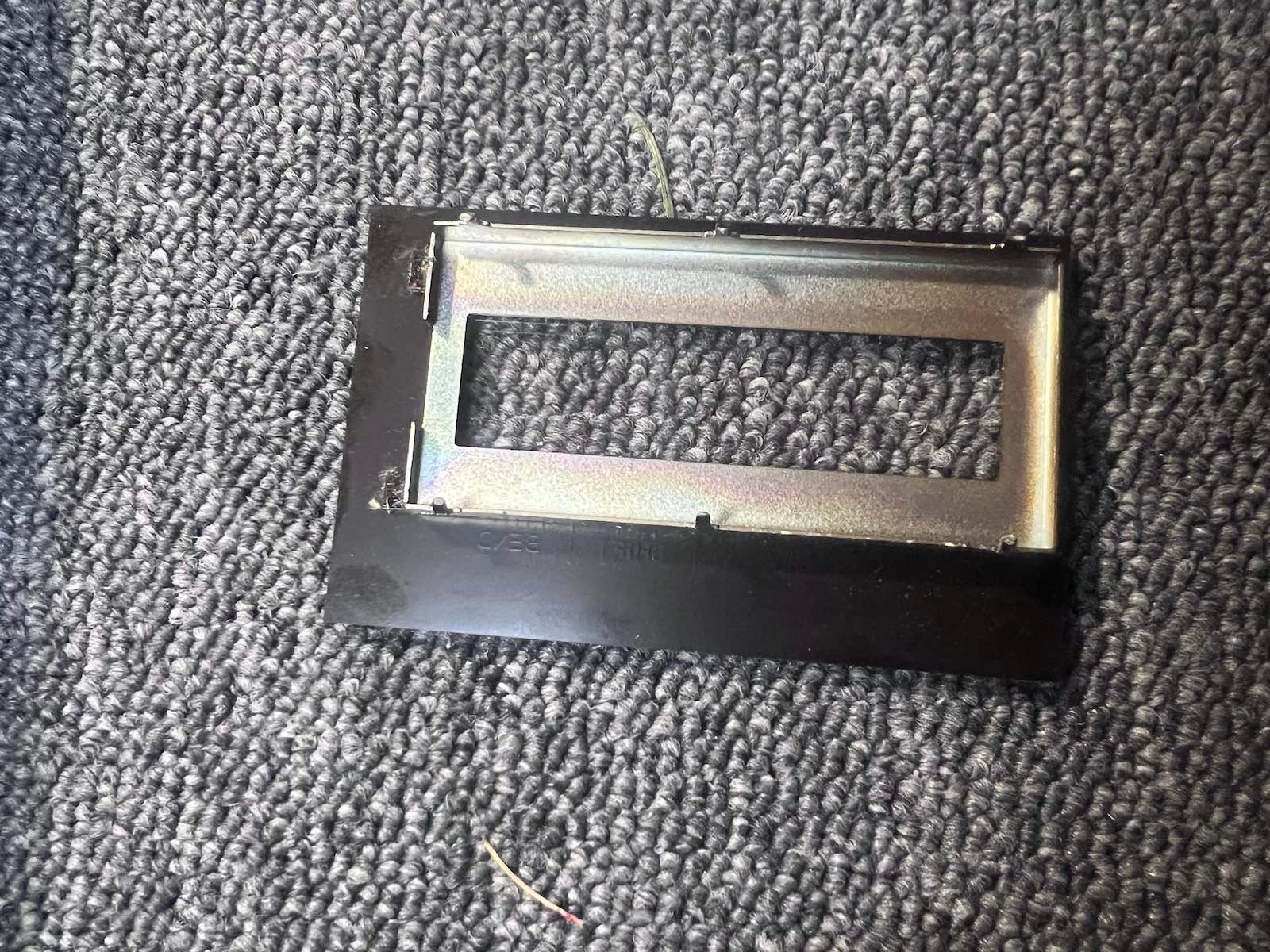
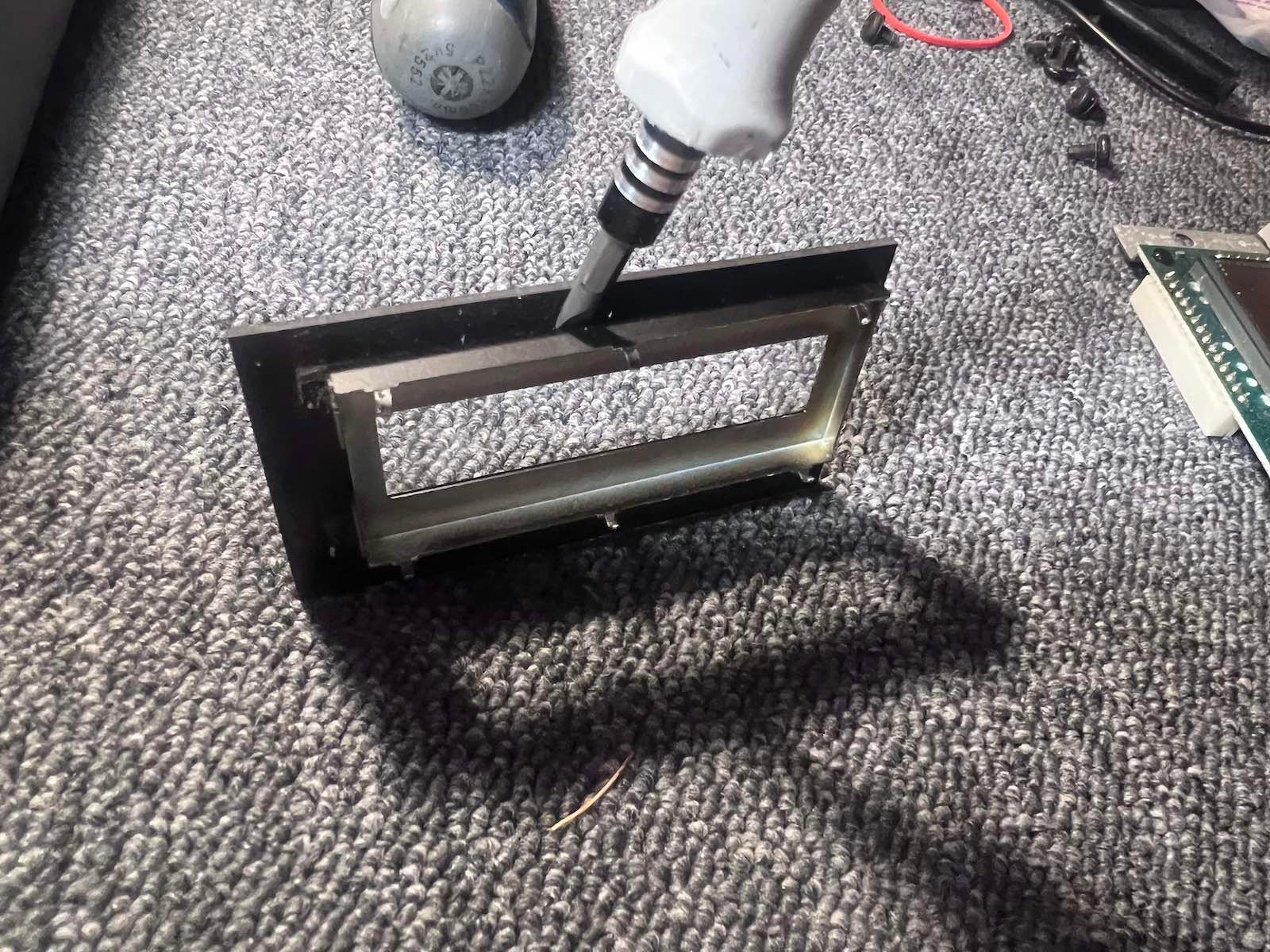
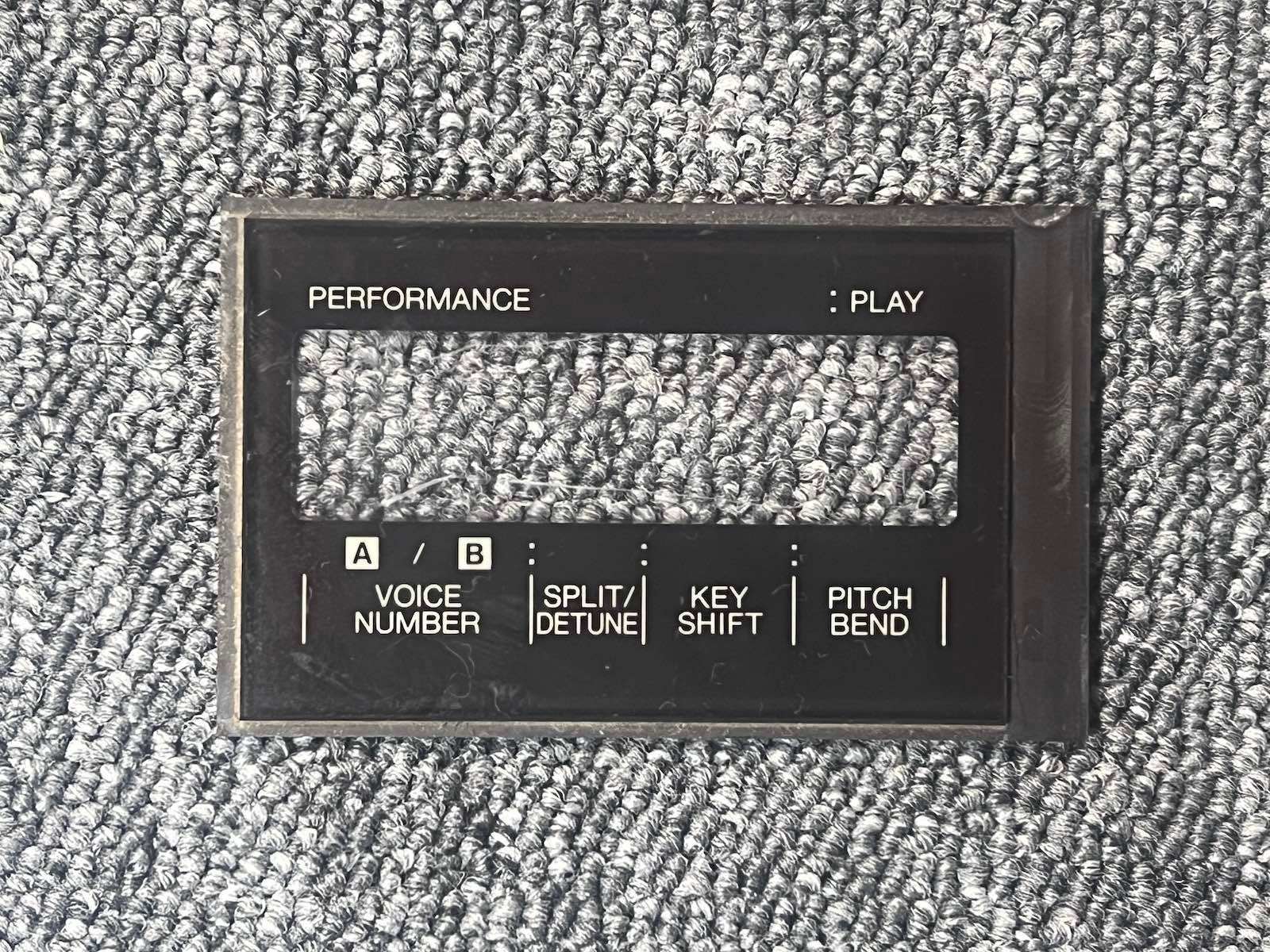
5) Replace the plexiglass behind the front panel ; you can fix it with adhesive tape, the support will hold it in place once fixed.
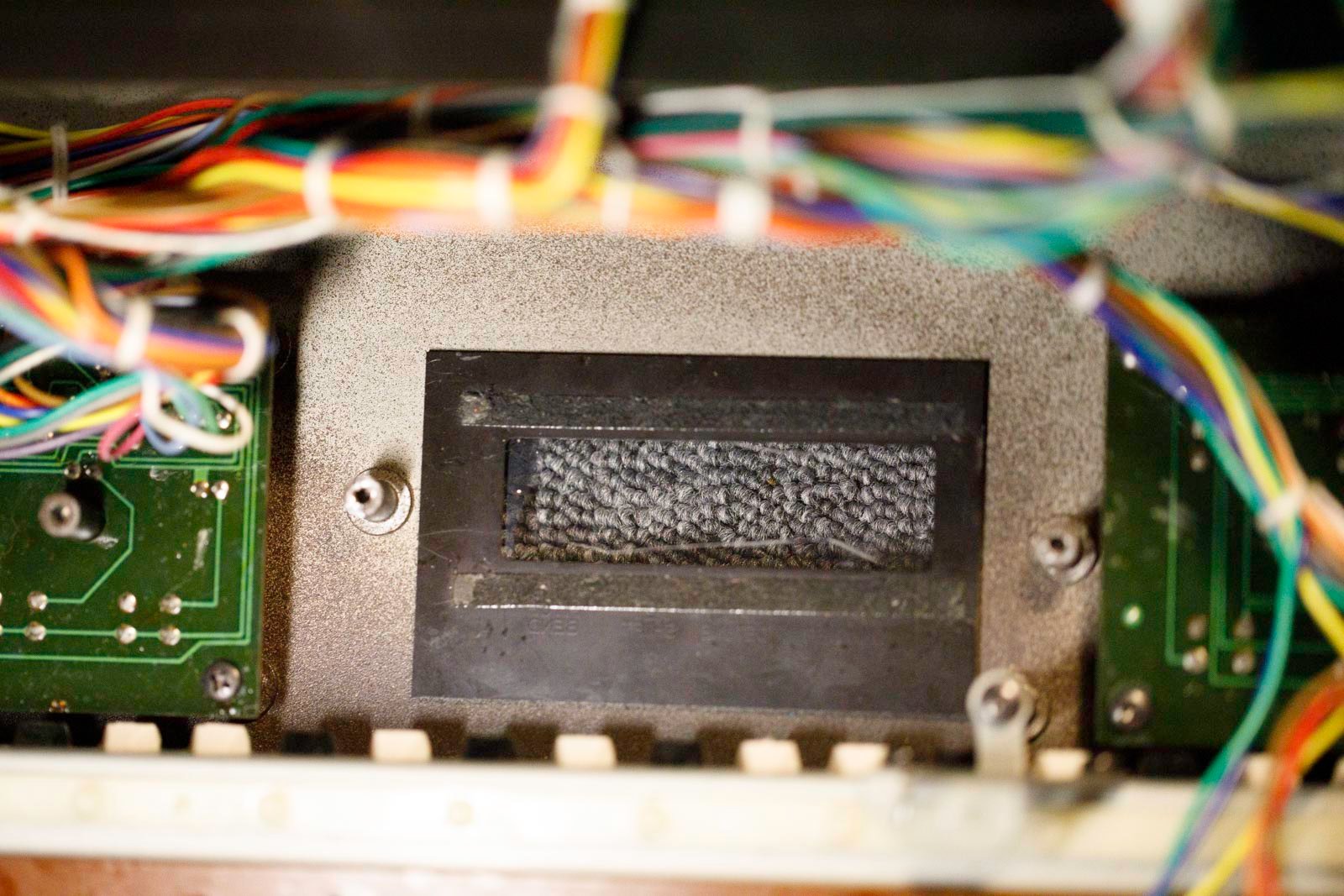
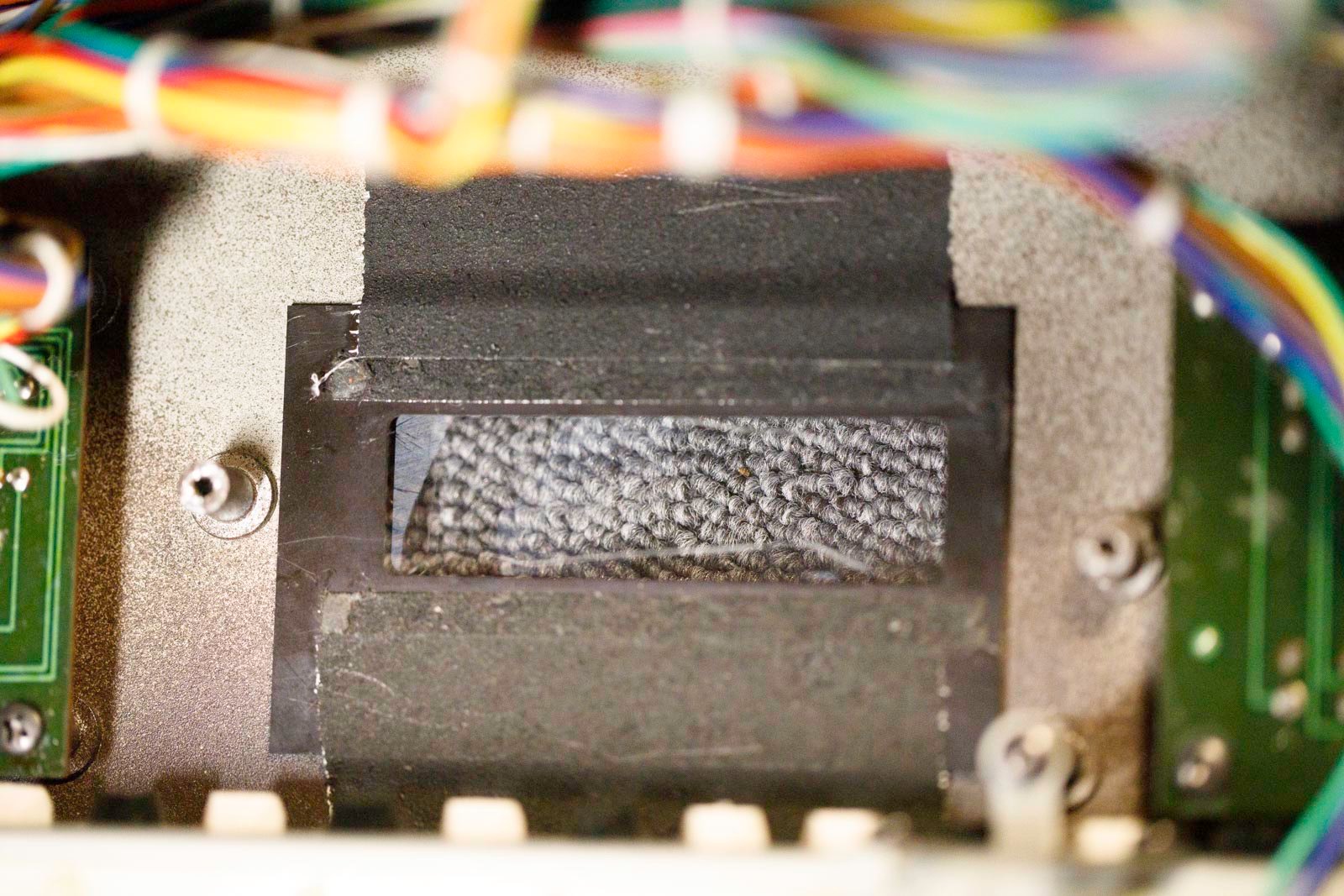
6) Position the new bracket and screw it in using the original screws. Connect the connector. Adjust the contrast trimpot if necessary.
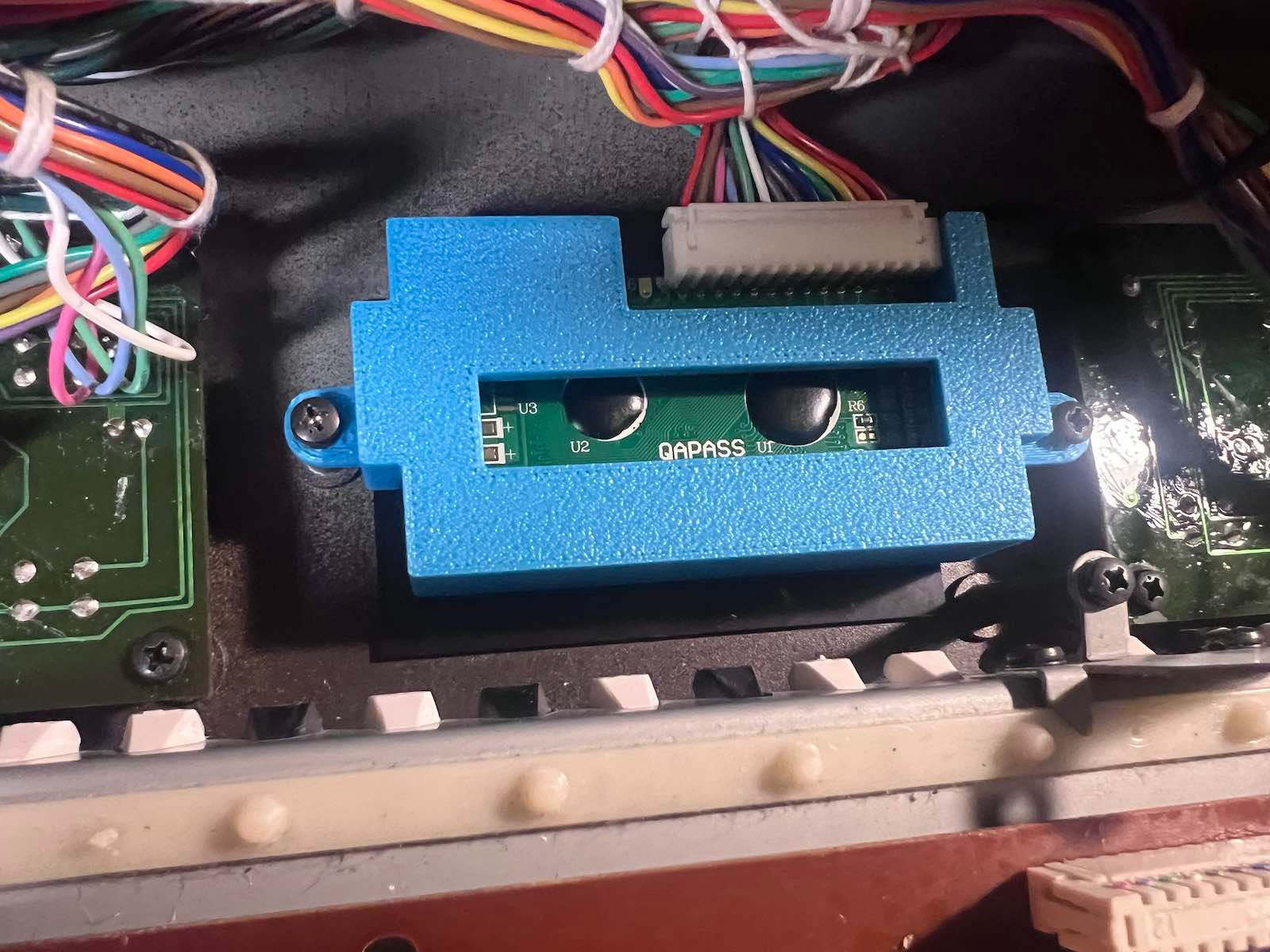
10) Go back up.